

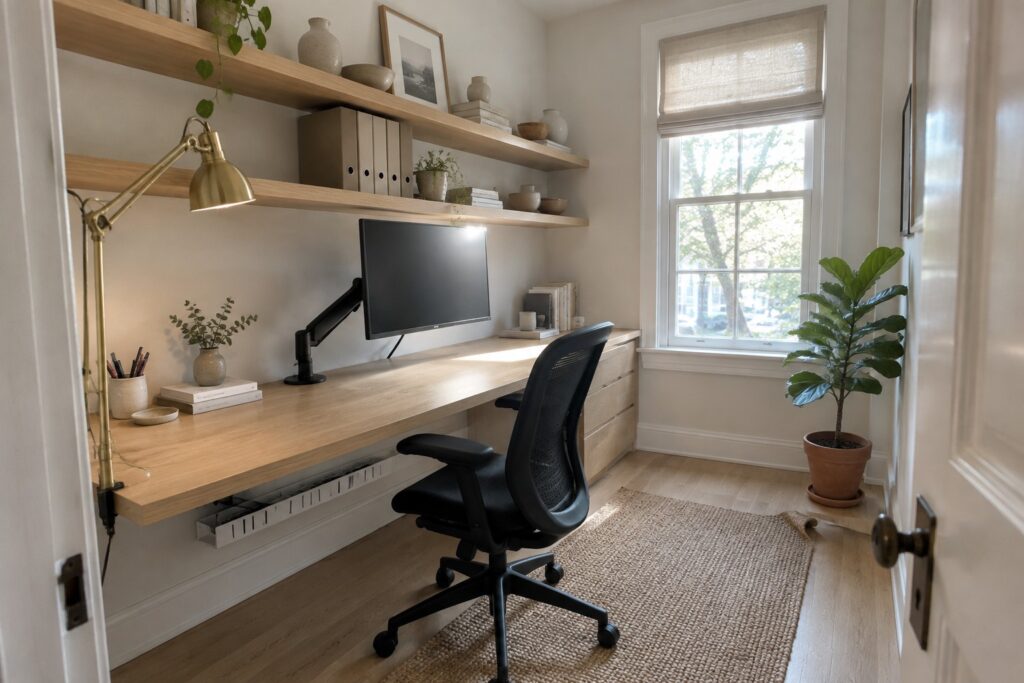
I have found that a workspace only settles into place once the monitor sits at the center and the rest of the desk builds around it.
When I tried shifting mine forward last winter the room suddenly felt more open and my shoulders stopped hunching toward the screen.
Layouts that treat the monitor as an afterthought rarely hold up once real work begins.
I tend to check cable runs and task lighting right after the screen position because those details decide whether the setup stays usable day after day.
Ideas that respect this order usually adapt better to the actual size and light of a home office.
Add Floating Shelves Over Your Desk
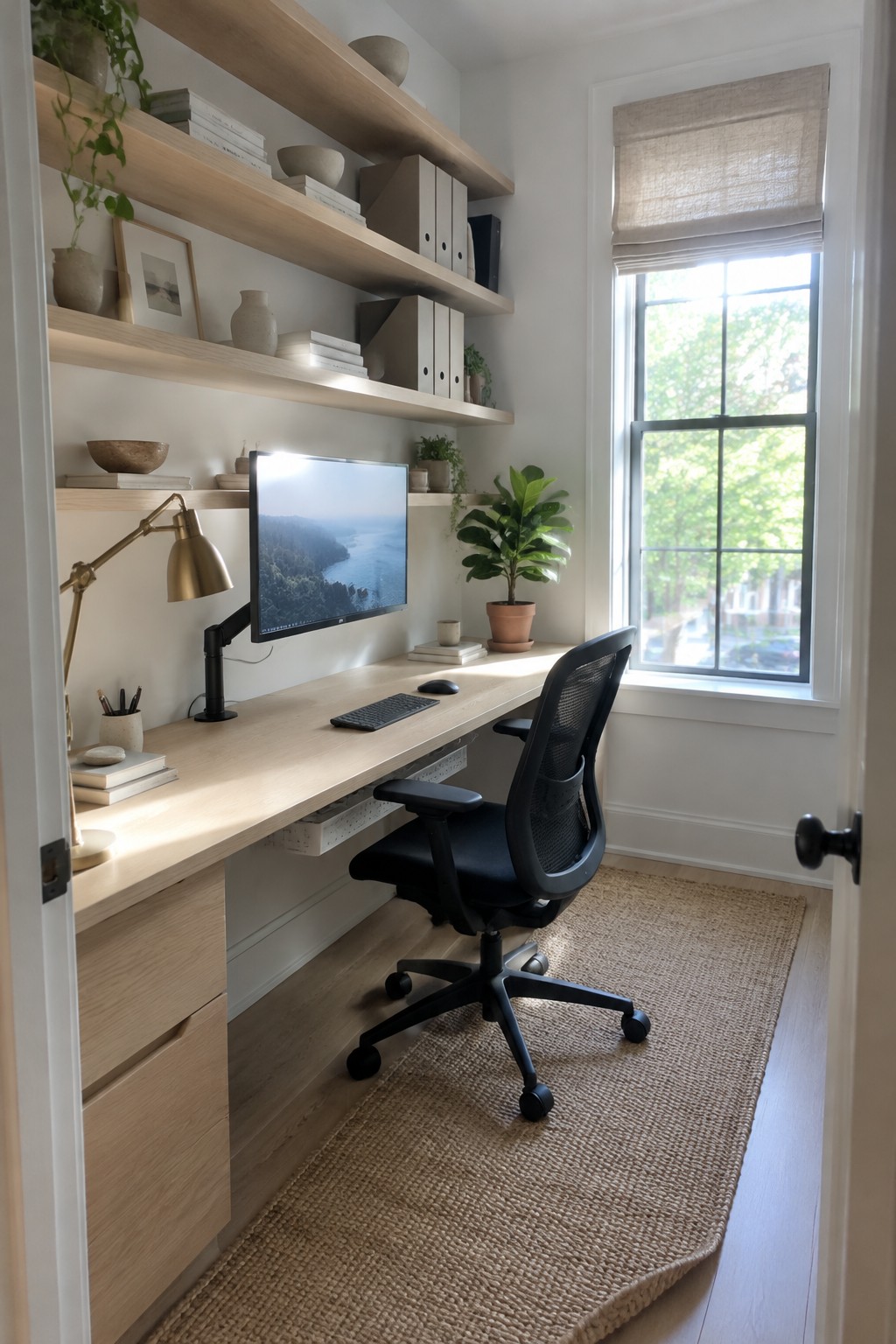
Floating shelves above a desk give you storage without eating into floor space or crowding the work surface. This approach keeps the focus on the monitor while still letting you reach books, files, and small items quickly.
The setup works best in smaller rooms or any workspace where you want a simple, uncluttered feel. Mount the shelves at a height you can reach from your chair, and keep only the things you use often so the area stays practical.
A Floating Desk With Built-In Storage
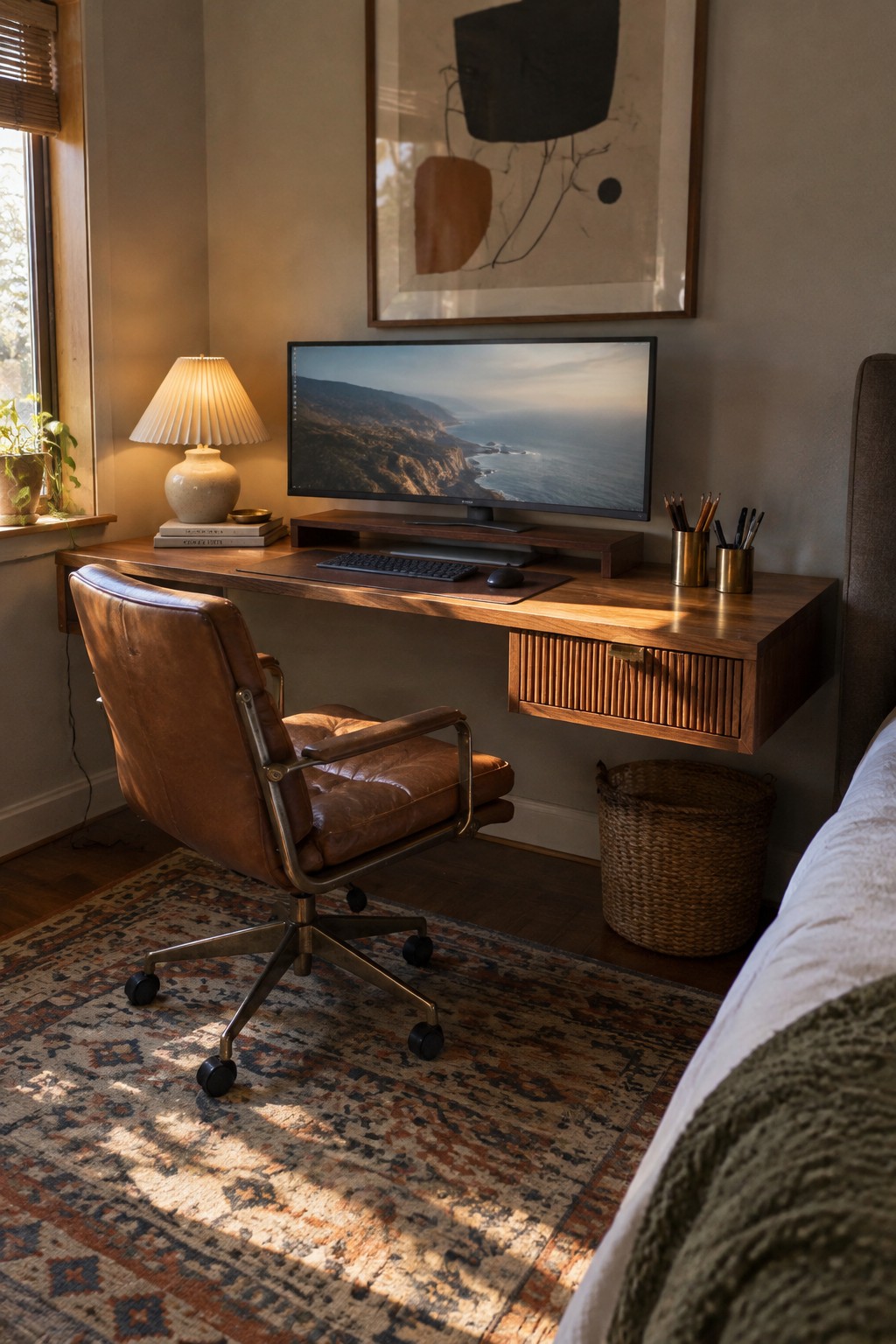
A floating desk with its own drawer helps keep the surface clear so the monitor stays front and center. The wood tone blends into the room without adding visual weight, and the storage keeps everyday items out of sight.
This setup works well in bedrooms or smaller rooms where floor space matters. Skip the big hutch or extra filing cabinet and let the single drawer handle the basics.
Center the Monitor on a Classic Desk

Placing the monitor right in the middle of a traditional desk keeps the whole workspace feeling balanced and easy to use. It turns an older piece of furniture into a practical spot for daily work without needing a full office setup. The desk here shows how a painted finish and simple side storage can make the screen the clear focus.
This approach works best in smaller rooms or shared spaces where you want the desk to blend in rather than stand out as office furniture. Keep the keyboard and mouse directly in front of the monitor and use baskets or shallow drawers for the rest. It suits homes that already have older wood pieces and need one clear work area instead of extra tech furniture.
Mount the Monitor on an Arm
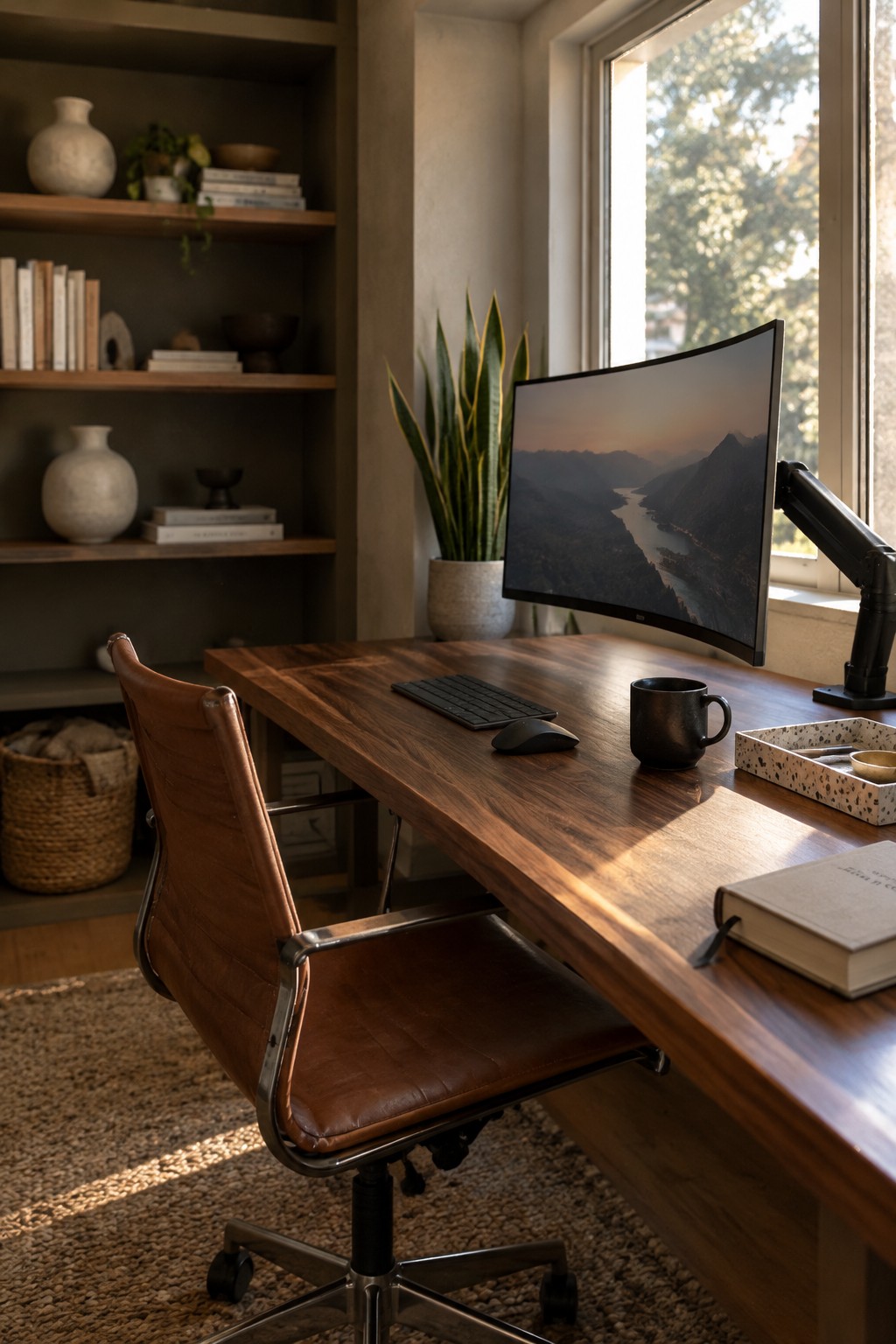
Mounting the monitor on an arm changes how the whole desk works. It lifts the screen off the surface so the desk stays open for just a keyboard, mouse, and a couple of small items. The arm also lets you set the height and angle exactly where you need it without stacking books or using a big stand.
This approach suits smaller rooms or anyone who wants the desk to feel calm instead of crowded. It works best with a monitor that has a VESA mount and a sturdy arm rated for the screen weight. Keep the base of the arm clamped or bolted near the back edge so you still have room to rest your arms while typing.
Wall Mount the Monitor to Center the Workspace
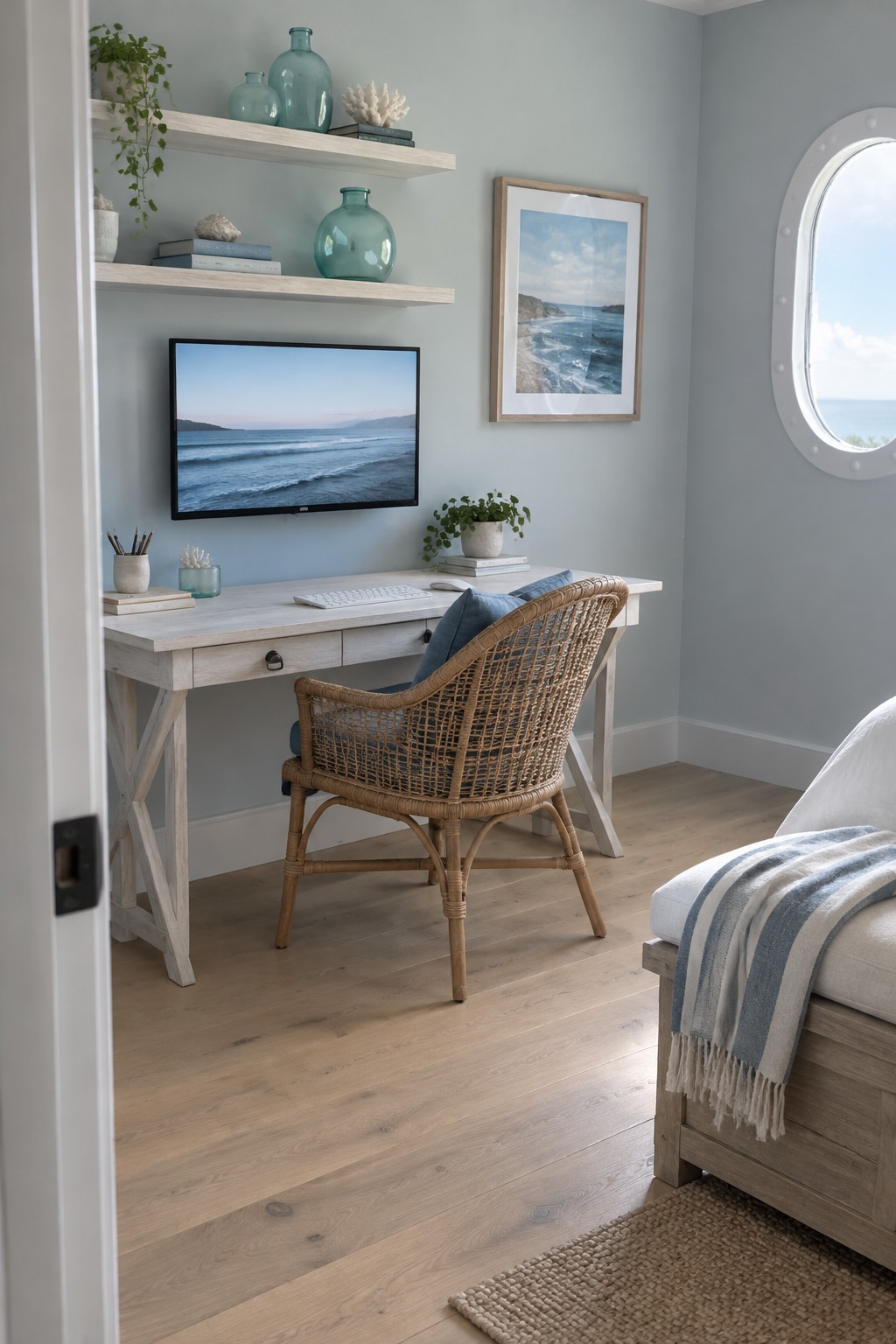
Mounting the monitor on the wall above the desk keeps the surface clear and pulls everything into one focused spot. The setup feels calmer when the screen sits at eye level and the desk stays open for just a keyboard and a few small things.
This approach works well in bedrooms or guest rooms where you want a workspace without making the room feel like an office. Use a simple desk and a comfortable chair so the monitor remains the main point without extra visual noise.
Center Your Workspace Around One Large Monitor

Placing the monitor right in the middle of a desk helps the whole setup feel more intentional. In a small nook like this, that single screen becomes the main focus, which makes it easier to stay on task without the rest of the room pulling at your attention.
This approach works well in apartments or any home where a full room is not an option. Tuck the desk into an alcove, keep storage simple underneath, and use the side walls for a few tools or notes so the space stays useful without feeling cramped.
Built-In Shelving Around a Centered Monitor
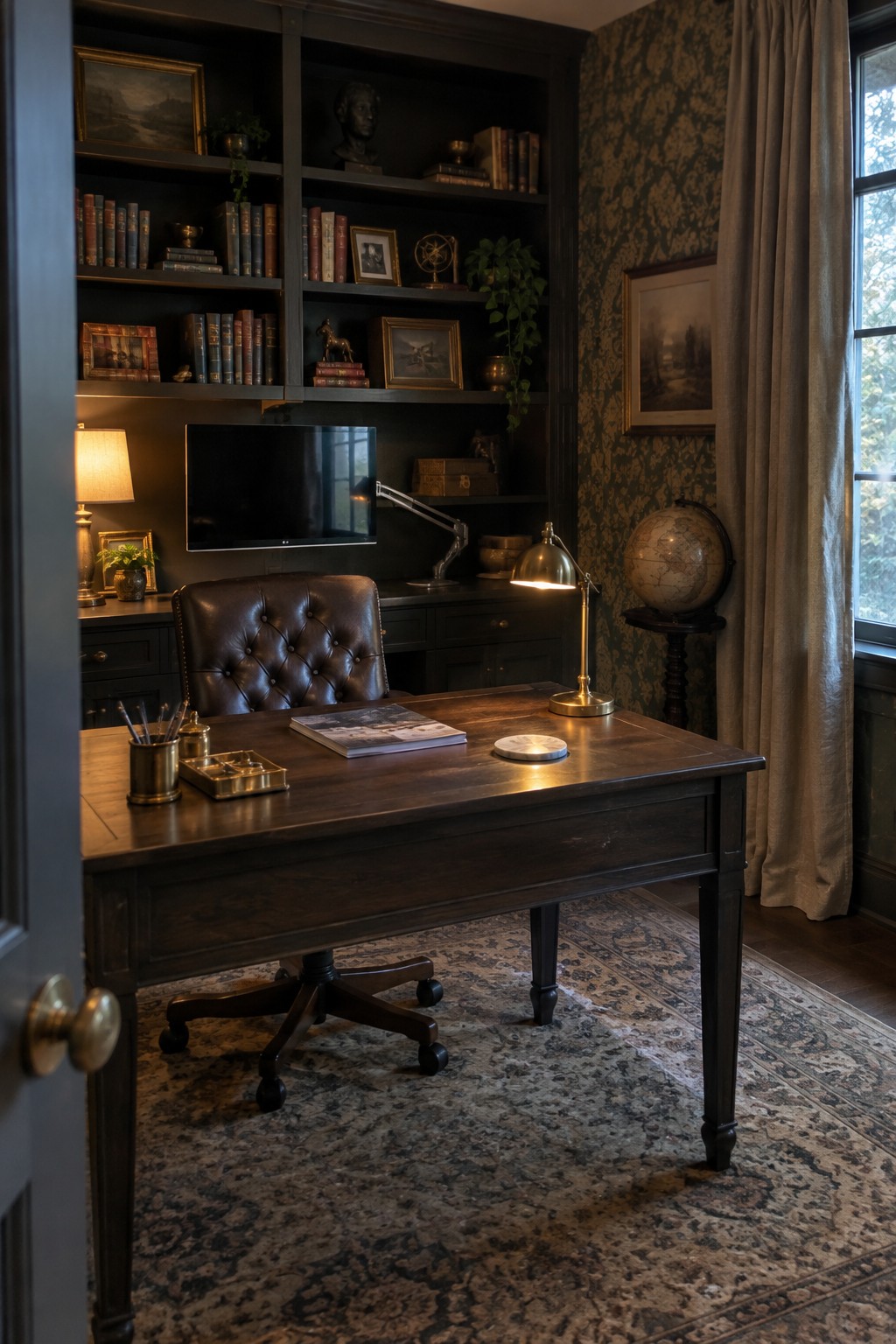
A monitor placed right in the middle of open shelving keeps the focus on the screen while turning the wall into useful storage. This layout works well because it lifts the display to a comfortable height and leaves the desk surface clear for papers and a lamp or two.
It suits a home office that already has room for custom cabinetry. Dark shelves filled with books help the monitor blend in rather than stand out as a separate piece, but the setup needs enough width on both sides so the balance feels right.
Mounting the Monitor to Keep the Desk Clear
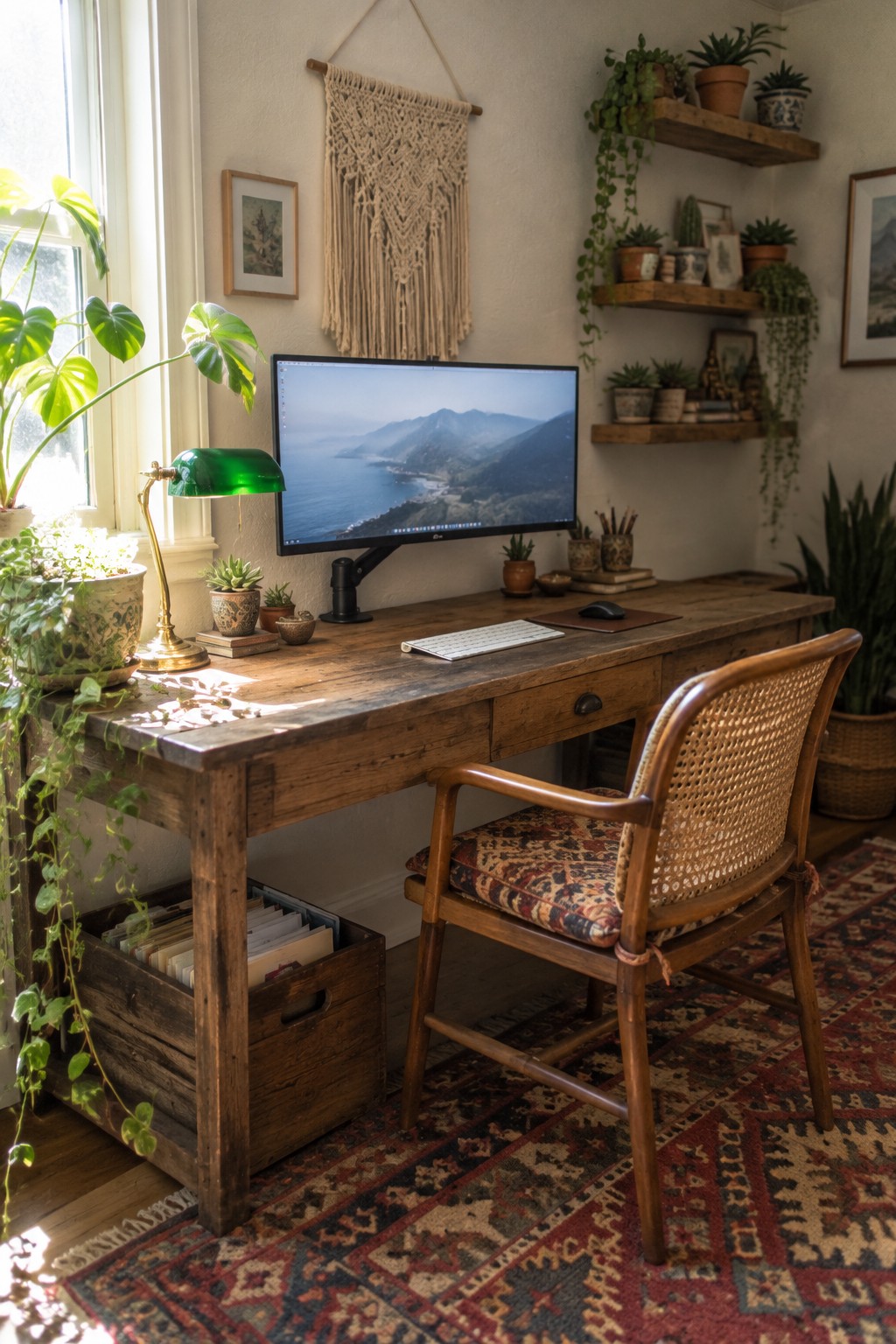
One simple way to make a workspace feel more open is to mount the monitor on an arm rather than letting it rest on the desk surface. This lifts the screen to a comfortable height and leaves room underneath for the keyboard, so the top stays mostly empty except for a lamp or a few small plants.
This setup suits smaller rooms or anyone who wants to keep the desk from feeling crowded. Just check that the arm can hold the weight of your screen and that the chair height lines up well with the new monitor position.
Center the Monitor on Your Desk
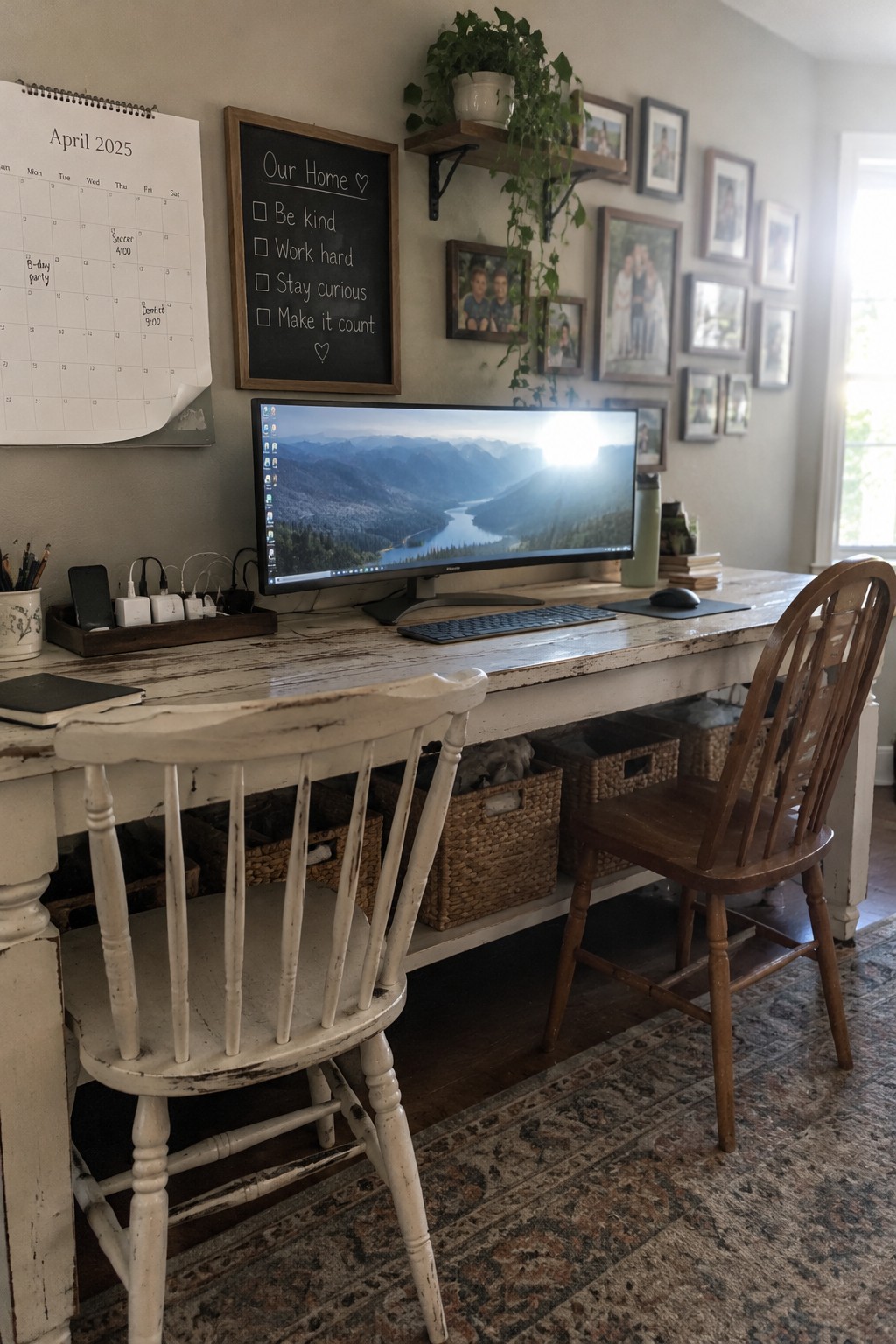
Placing a large monitor in the middle of the desk gives the whole workspace a clear purpose. Everything else stays secondary, so the surface stays open and the focus stays on the screen instead of scattered items.
This setup works best on a longer desk where you still have room on either side for a keyboard and a notebook. It suits smaller home offices that need to feel calm rather than crowded, and it keeps daily clutter from building up around the edges.
Mount the Monitor to Center Your Workspace
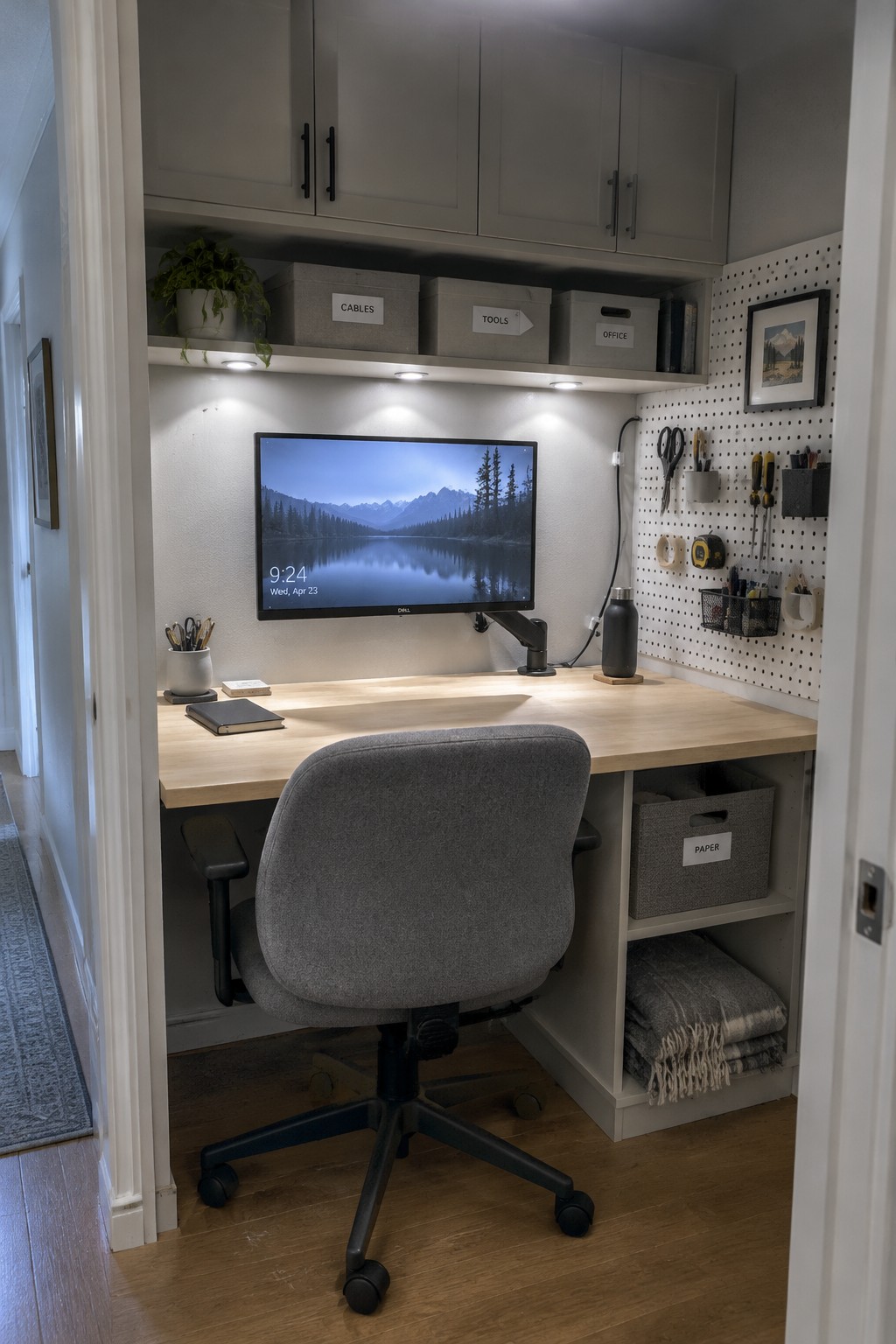
Wall mounting the monitor changes how a desk feels right away. It lifts the screen to eye level and clears the surface underneath so the workspace stays open and easy to use.
This approach works best in tight spots like alcoves or small rooms where every inch counts. Pair it with basic storage bins and a side pegboard so supplies stay close without crowding the main area.
Keep the Desk Plain So the Monitor Stands Out
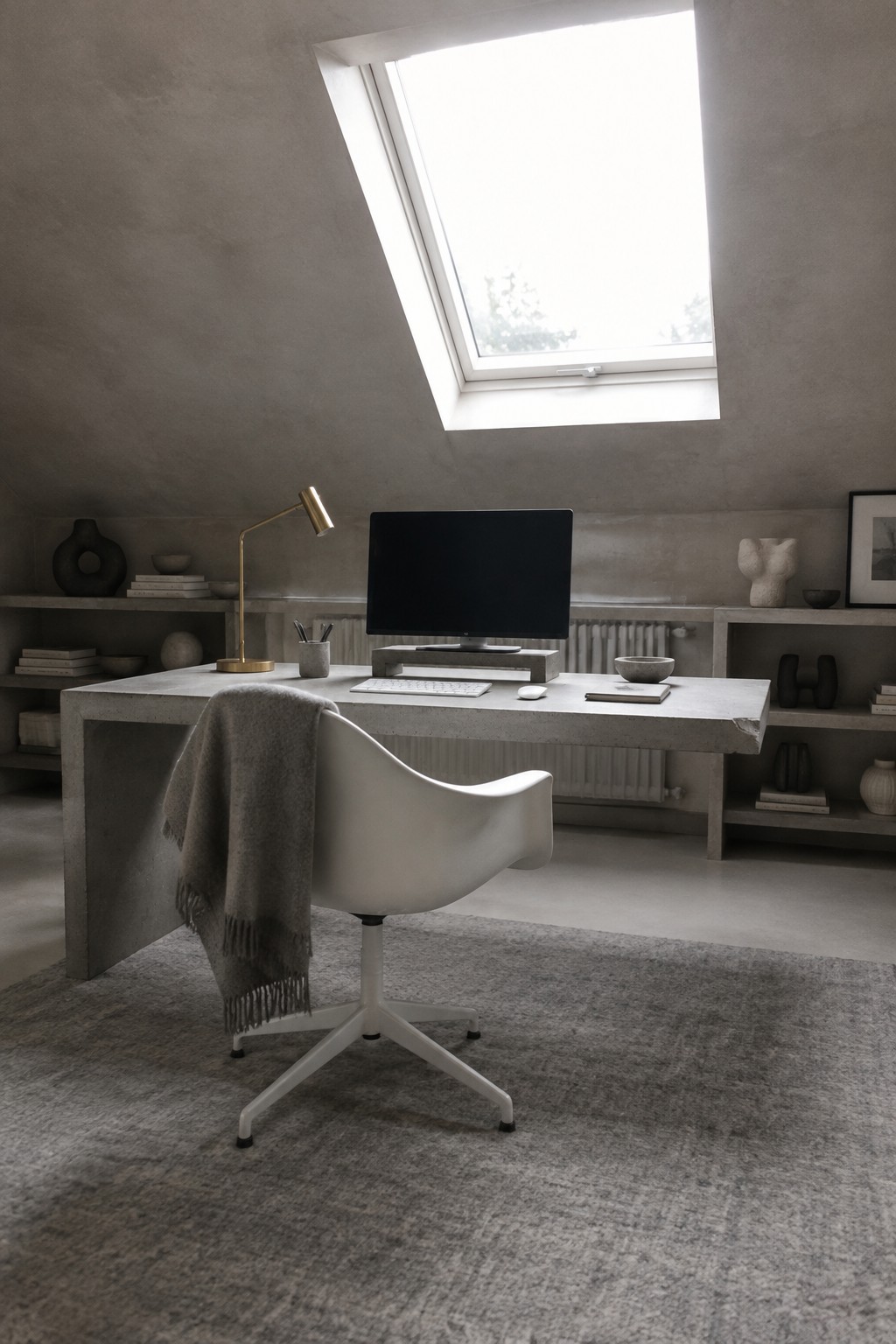
A thick, solid desk surface lets the monitor become the clear center of the workspace. With almost nothing else on it, the screen feels like the main event instead of just another object fighting for attention.
This approach works best in smaller rooms or spaces that already get strong natural light. Keep the rest of the desk empty and let the monitor sit right in the middle so the whole setup stays simple and easy to use every day.
Mounting Your Monitor on an Adjustable Arm
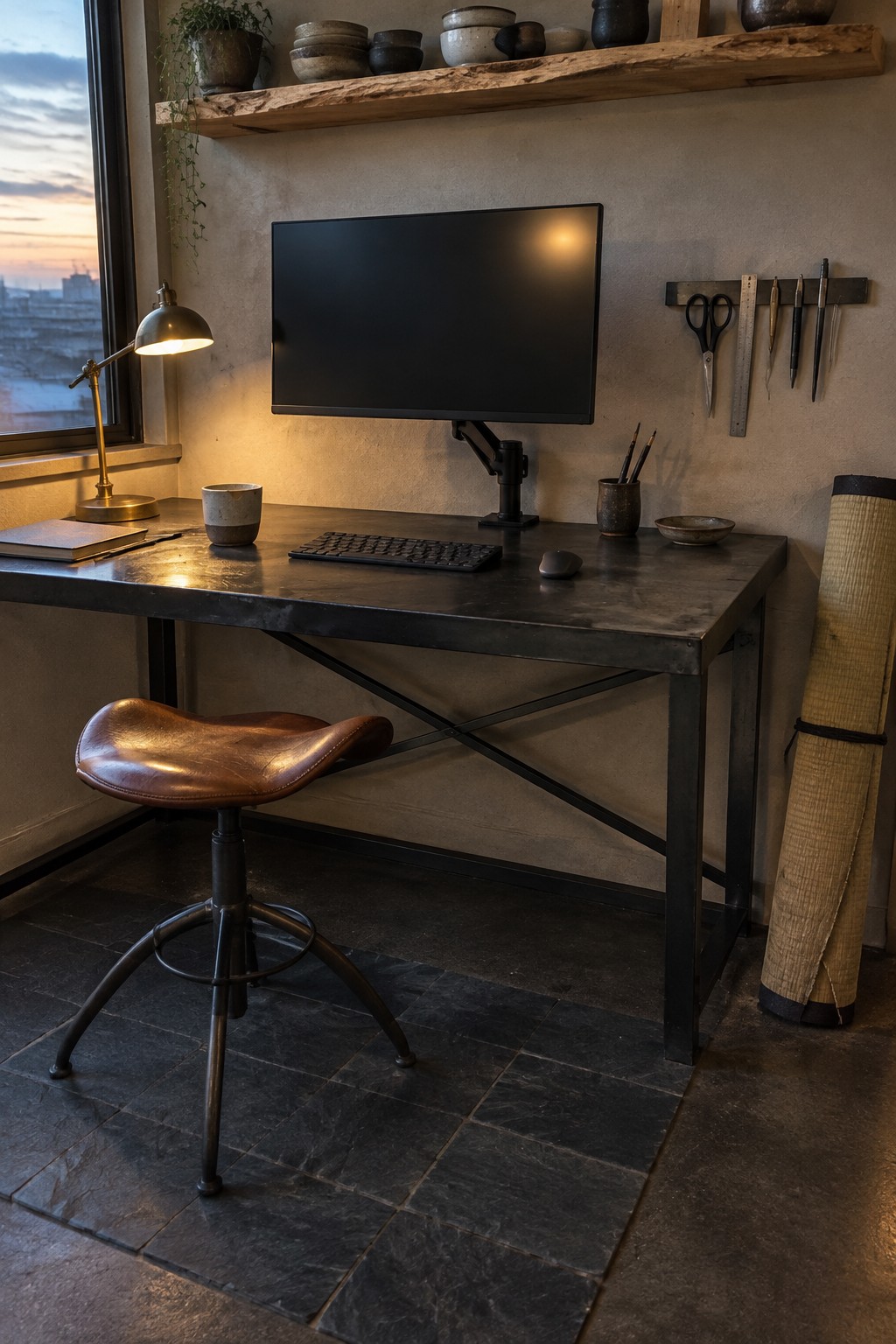
An adjustable monitor arm keeps the screen at the right height and angle while clearing the desk surface underneath. This setup works well when you want the monitor to be the main focus without crowding the rest of the workspace with a big stand or base.
It suits smaller rooms or desks that need to stay practical for writing or other tasks. Check that the arm can support your monitor weight and that the desk edge is strong enough to hold the clamp before installing one.
Mount the Monitor on an Arm
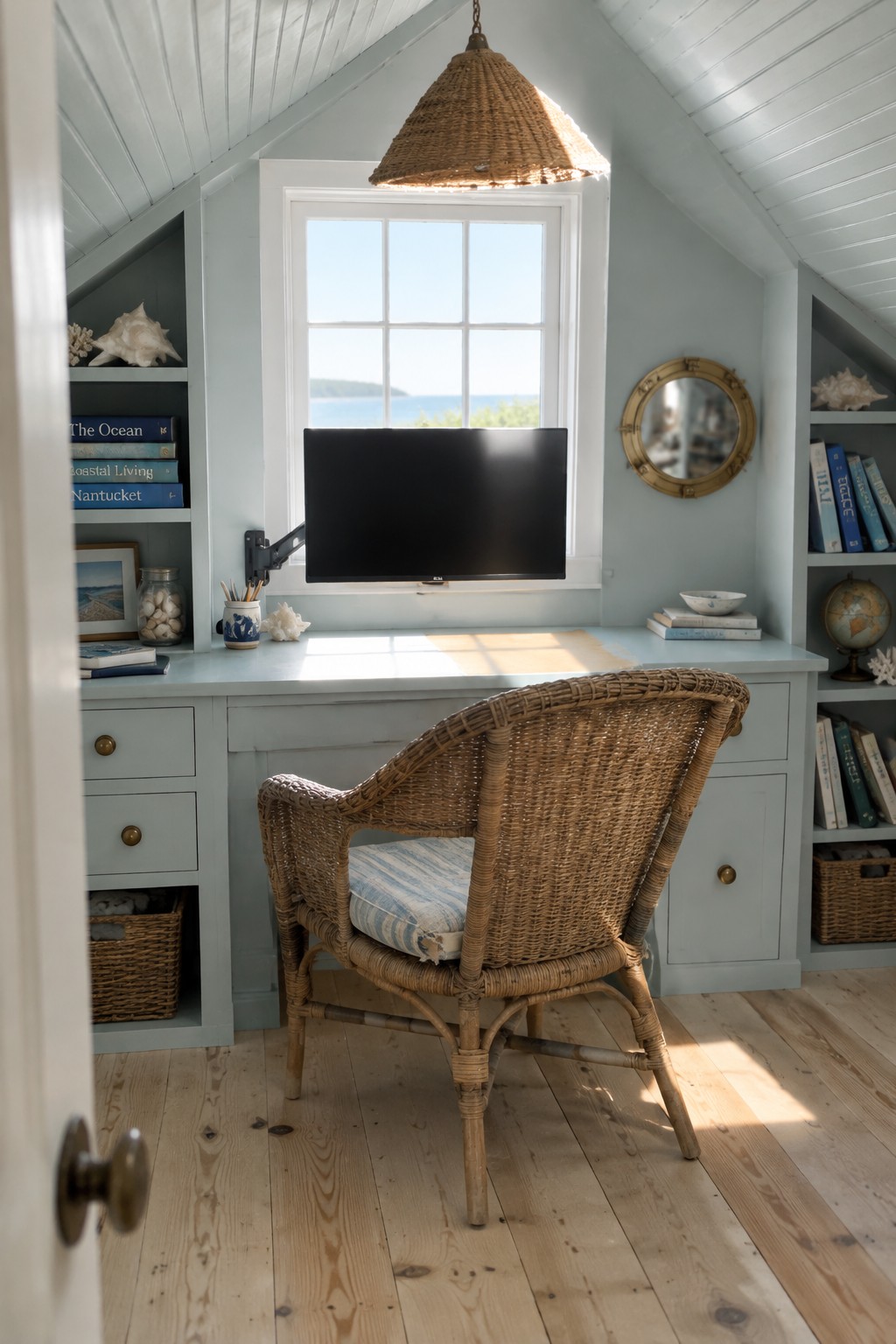
Mounting the monitor on an arm changes how the whole desk works. Instead of a big base taking up space in the middle, the screen floats above the surface, so you can keep the area in front of you clear for writing or other tasks. It also makes it easier to adjust height and angle without moving the whole setup.
This approach suits smaller rooms or built-in desks where every inch counts. Place the arm so the monitor sits at eye level, and check that the wall or desk edge can support the weight. It works best in spaces that already have some storage on the sides, since the open desk surface then feels more usable.
Height Adjustable Desks With Monitor Arms

A height adjustable desk paired with a monitor arm gives you more control over how you work. You can sit for a bit, stand when you need a change, and keep the screen at the right height either way. It is a simple way to make a workspace feel more comfortable without adding extra furniture.
This kind of setup works best in living areas where a full office would feel out of place. Keep the desk against a wall or in a corner so the monitor arm has room to move, and choose a model with a sturdy base so it stays steady when you raise or lower it.
Center Your Desk Around a Large Monitor

A large monitor placed right in the middle of the desk gives the whole workspace a clear purpose. Everything else stays secondary, so the surface stays cleaner and the setup feels more practical for long hours of work.
This approach works best in smaller rooms where space needs to stay simple. Keep the desk mostly clear except for the monitor, keyboard, and one or two small items nearby. It suits apartments or home offices that double as other rooms during the day.
Center the Monitor With an Arm Mount
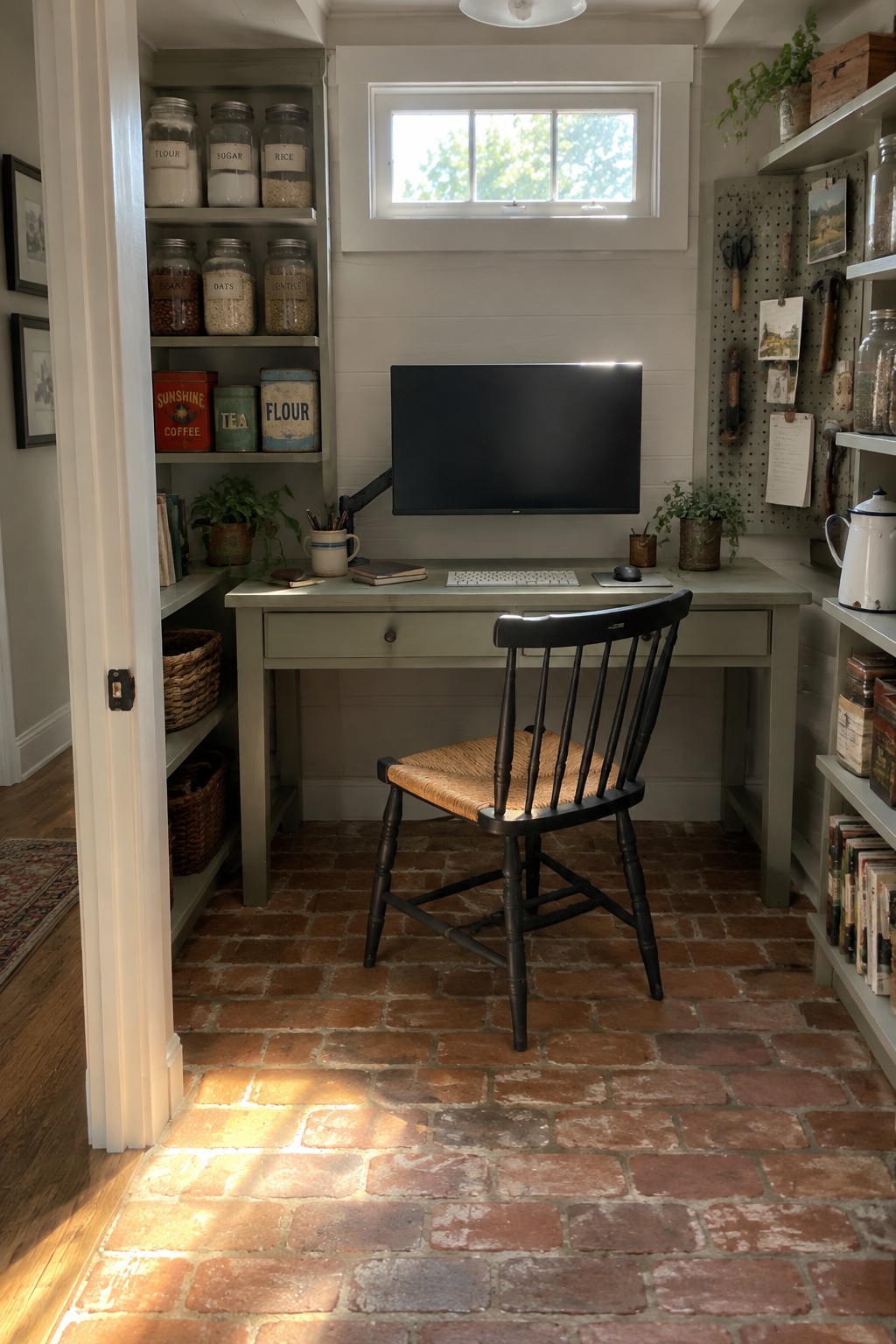
Bringing the monitor forward on an arm changes how the whole desk feels. The screen sits at a natural height, the keyboard stays close, and the surface underneath stays mostly clear. It turns a basic desk into something that actually supports focused work without extra clutter creeping in.
This setup suits small rooms or spaces that double as storage areas. Keep the arm sturdy, check the viewing angle once or twice a week, and make sure the cord length still allows the monitor to move if needed.
Mount a Pegboard Above the Desk

A pegboard gives you a place to pin color samples and reference images without taking up desk space. This keeps the monitor front and center while still letting you reach the things you use often.
It works best in small rooms or narrow spots where floor space is limited. Keep the board at eye level so you can glance at it without standing up, and swap things out as projects change.
Center the Monitor on a Simple Wood Desk
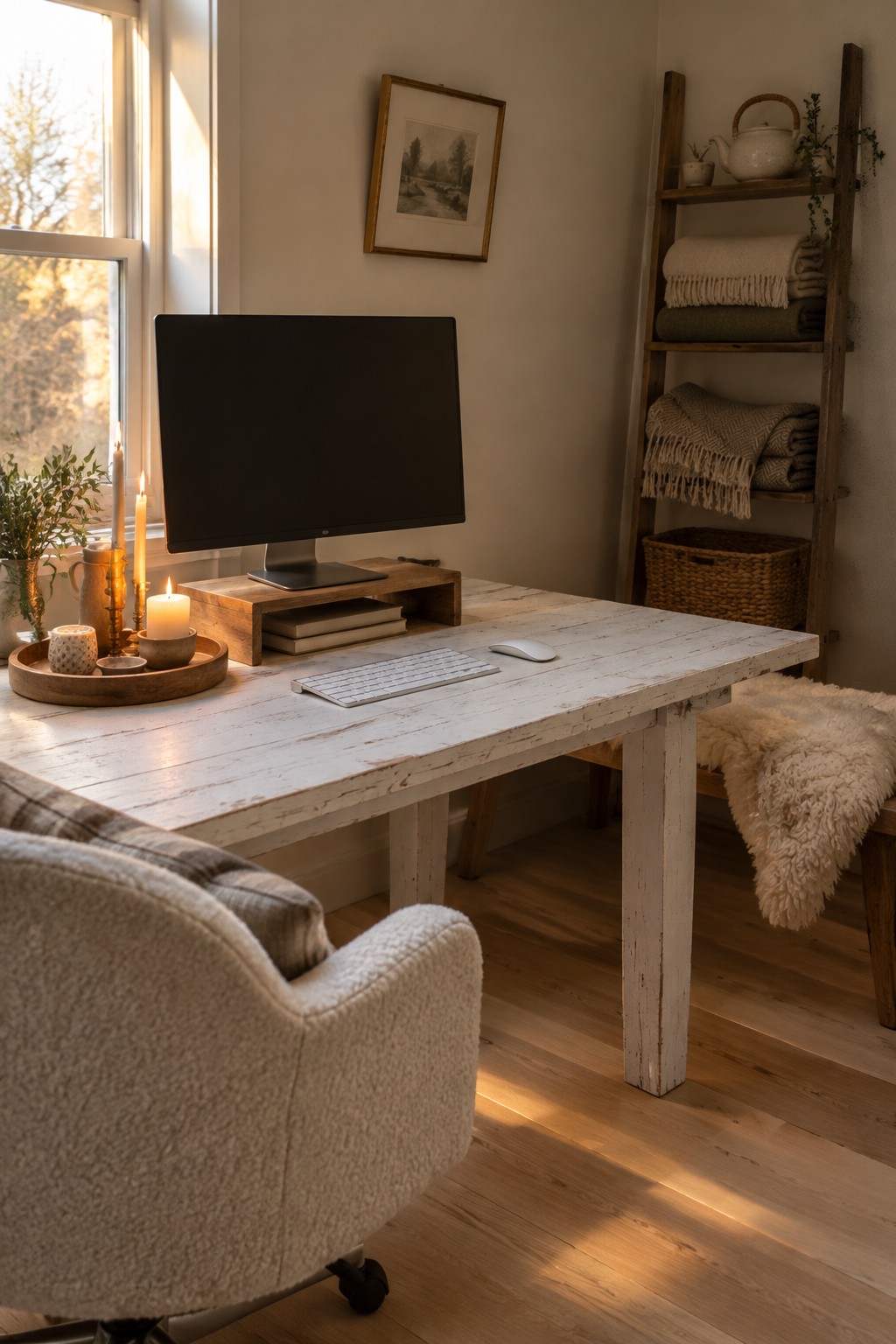
Placing the monitor right in the middle of the desk gives the whole workspace a clear purpose. The light wood surface keeps attention on the screen instead of pulling it in different directions, and the setup feels calmer because nothing else fights for focus.
This approach works best in smaller rooms where you want the desk to feel useful without looking crowded. Keep the surface mostly clear except for the keyboard and mouse, and add just a couple of warm pieces like candles if the room needs a softer touch.
Center the Monitor With Overhead Storage
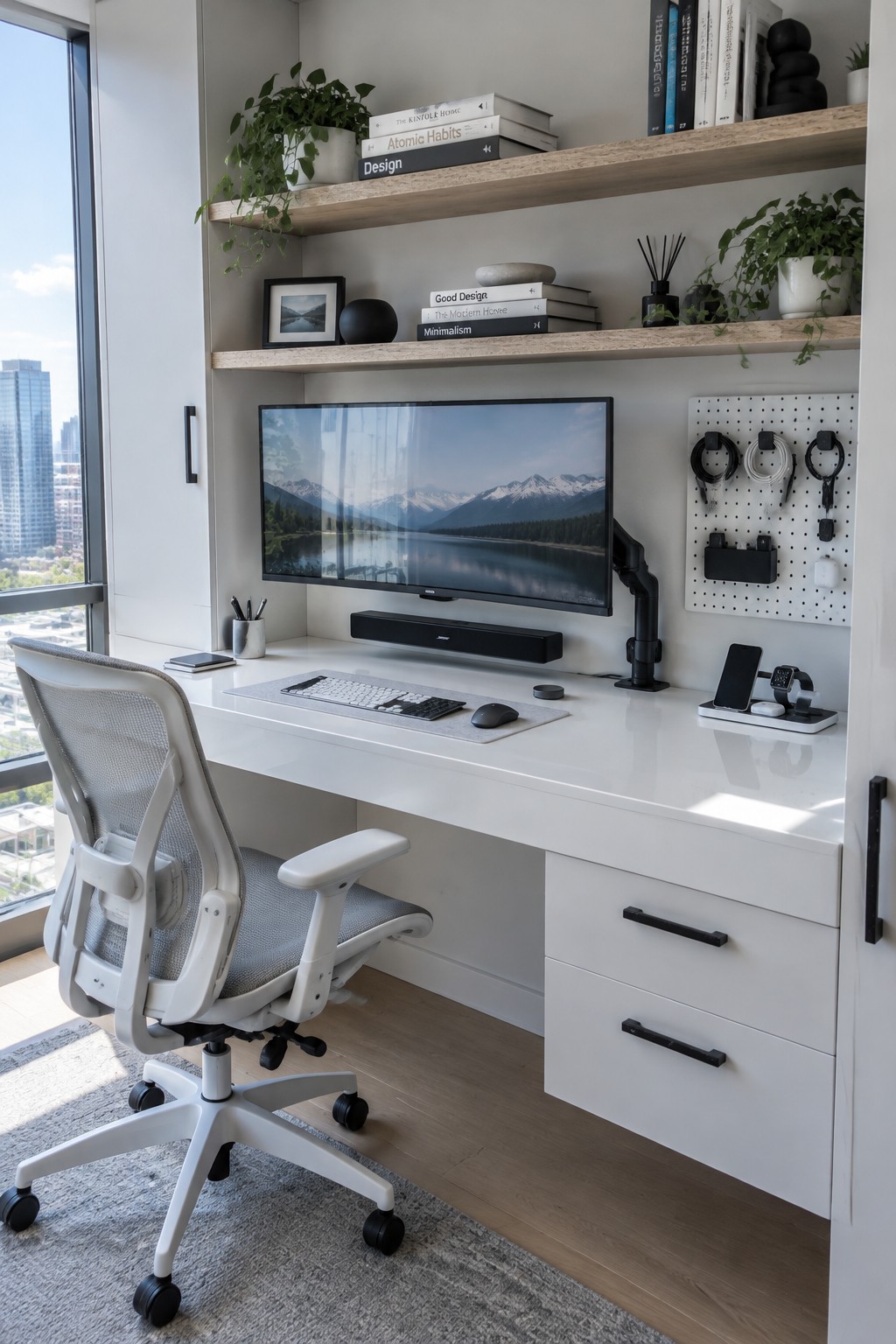
Floating shelves above the desk give you a place to keep books, plants, and small items without crowding the surface. This leaves the desk clear for the monitor, keyboard, and mouse, which helps the whole setup feel more organized and easier to use every day.
The approach works best in smaller offices or rooms where floor space is limited. Keep the shelves at a comfortable height so they are easy to reach, and choose shallower depths if the monitor sits close to the wall.
Make the Monitor the Center of Your Desk

Placing the monitor front and center works especially well in small or oddly shaped rooms. The screen sits on an adjustable arm right in the middle of the desk, so the whole setup feels organized even when the space is tight. The window behind it brings in light without pulling attention away from the screen itself.
This layout suits attic nooks or narrow corners where you need a clear work zone. Keep the chair lined up straight, add only a few side items like a lamp or mug, and leave the rest of the desk clear. It keeps the focus practical and helps the space feel less cramped.
Frequently Asked Questions
Q: How far back should the monitor go if my desk is only average size? A: Place it so your eyes hit the top third of the screen when you sit upright. This keeps the center clear for your keyboard and mouse without crowding the edges. Test the spot by stretching your arm forward to make sure nothing blocks the reach.
Q: What is the easiest way to hide cables when everything points toward the monitor? A: Run the main power and video cords straight back through a desk grommet or clip them under the back edge. Bundle the rest with a single tie and let them drop behind the desk. The front stays open and your eyes stay on the screen instead of wires.
Q: How do I keep a second screen from pulling focus away from the main monitor? A: Set the extra screen off to one side and angle it inward just enough for quick glances. Keep its brightness lower so it does not compete. This way the center stays dominant while you still have the extra space when you need it.
