


A two-monitor desk can feel crowded quickly if the screens, cables, and everyday supplies all compete for space.
I find that the setup works best when the layout gives each screen a clear place while leaving enough room to write, reach for a mug, or shift comfortably between tasks.
Small choices, like lifting the monitors or tucking a power strip out of sight, can make the whole corner feel calmer without adding much furniture.
The best setups also suit the room they’re in, whether the desk sits in a spare bedroom, a living area, or a compact home office.
I’d start with the ideas that solve your biggest daily annoyance, then adapt the details to your desk and routine.
Keep a Two-Monitor Desk Simple
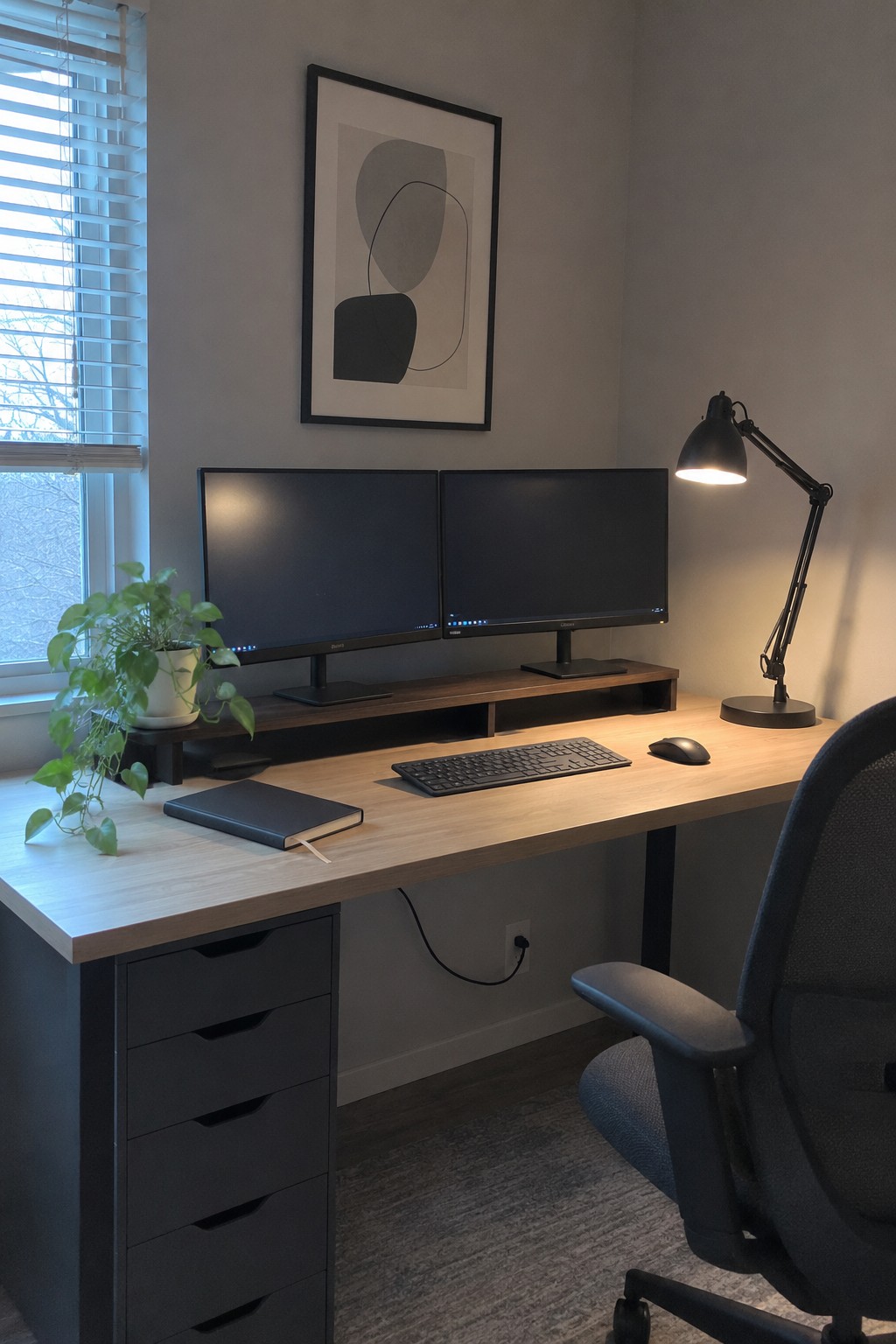
A raised monitor stand gives two screens a clear place without taking over the desk. It also leaves a little room underneath for small items, which helps keep the main work surface open.
Choose a stand wide enough for both monitors and sturdy enough to hold them securely. This setup works well on a long desk, especially when you keep the keyboard and mouse close to the front edge.
Use a Long Wooden Desk for a Clean Dual-Screen Layout
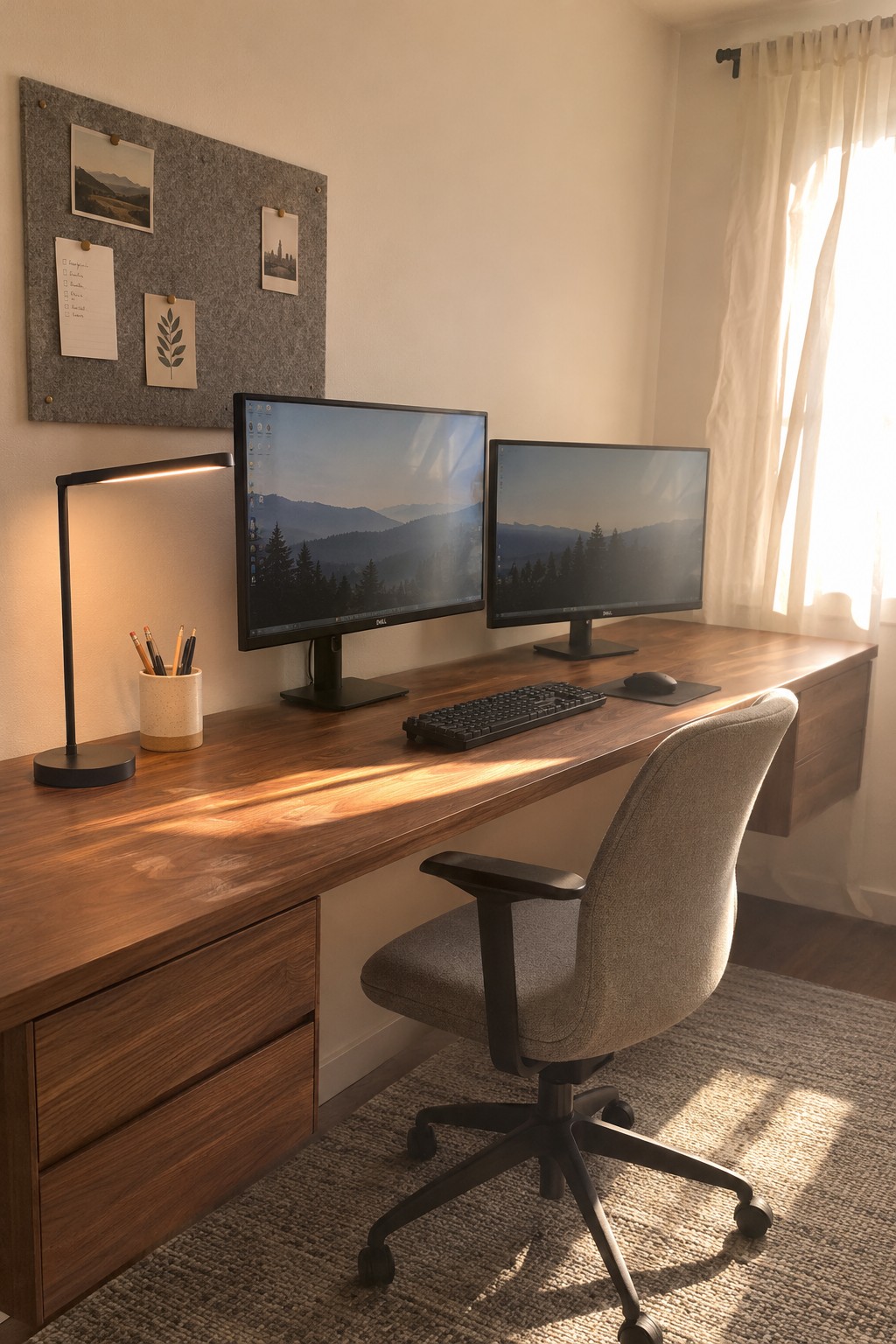
A long desk gives two monitors room to sit side by side without crowding the keyboard and mouse. This setup keeps the work area straightforward, while the wood surface makes a practical desk feel comfortable for everyday use.
Try this layout in a home office where you need both screens but want to keep the desktop clear. Leave enough space between the monitors and the desk edge, and choose a chair that fits comfortably underneath.
Add Under-Shelf Basket Storage Beneath Two Monitors
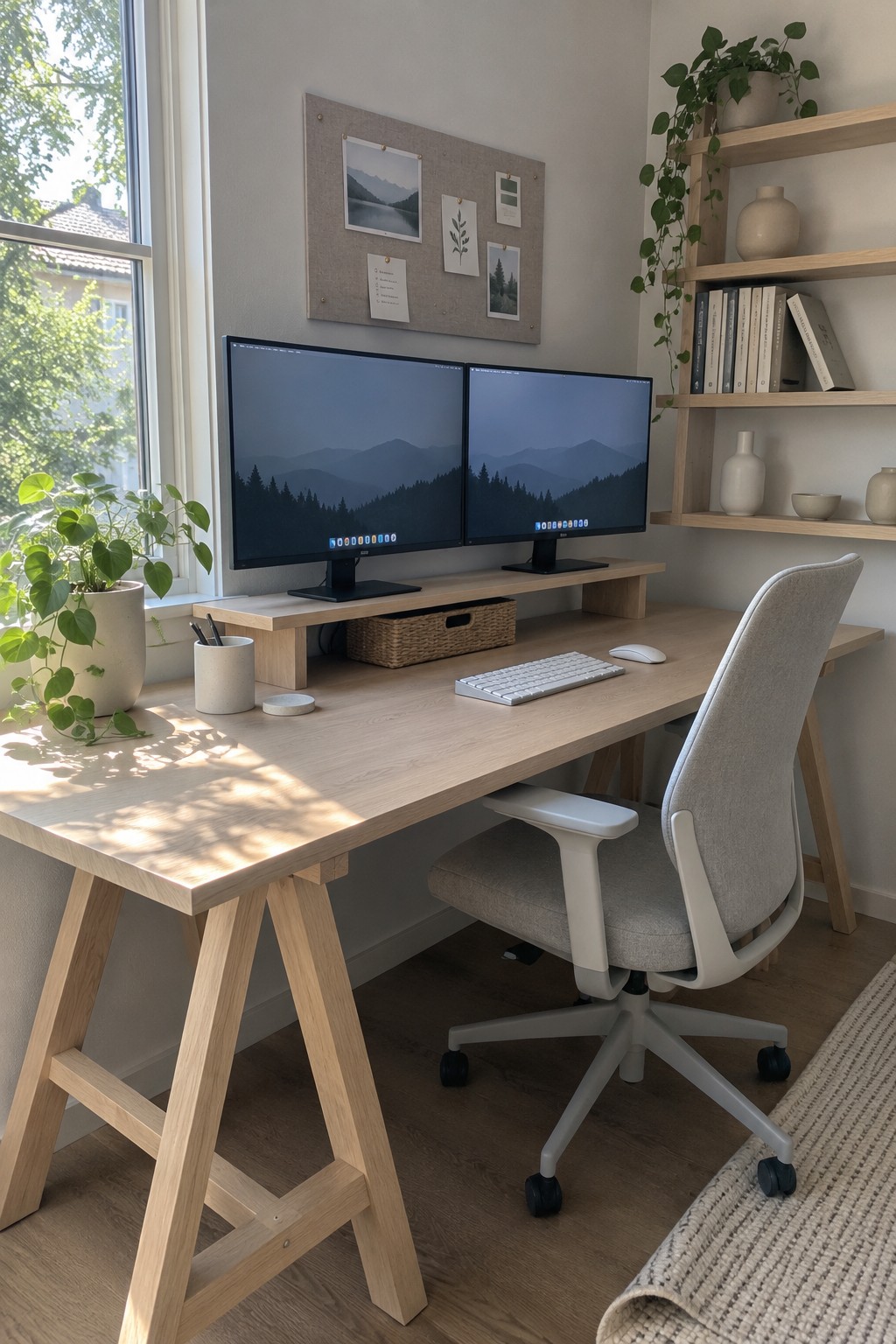
A raised monitor shelf frees up useful desk space and keeps both screens at a comfortable viewing height. It also leaves room underneath for a small storage basket, which helps keep everyday items from spreading across the work surface.
Choose a shelf wide enough for both monitors, and leave space for the keyboard and mouse in front. This setup works well on a compact home office desk, but the shelf should be sturdy enough to support the screens without wobbling.
Create a Focused Workspace With a Shared Monitor Arm

A clean desk gives two monitors room to work without making the setup feel crowded. A monitor arm keeps the screens together while leaving more of the desktop free for everyday use.
This idea suits a home office where you want a straightforward, focused workspace. Keep the keyboard and mouse close at hand, and leave a little open space so the desk stays easy to use.
Use A Narrow Wall Desk

A wall desk can make a two-monitor setup fit neatly into a small nook without taking over the room. Keeping both screens side by side leaves one clear work surface, while a shelf above provides a little extra storage.
This layout suits a spare corner or a shallow alcove. Measure the monitors and desk depth before choosing furniture, and keep the shelf high enough that it does not crowd the screens.
Use a Monitor Arm to Free Up Desk Space
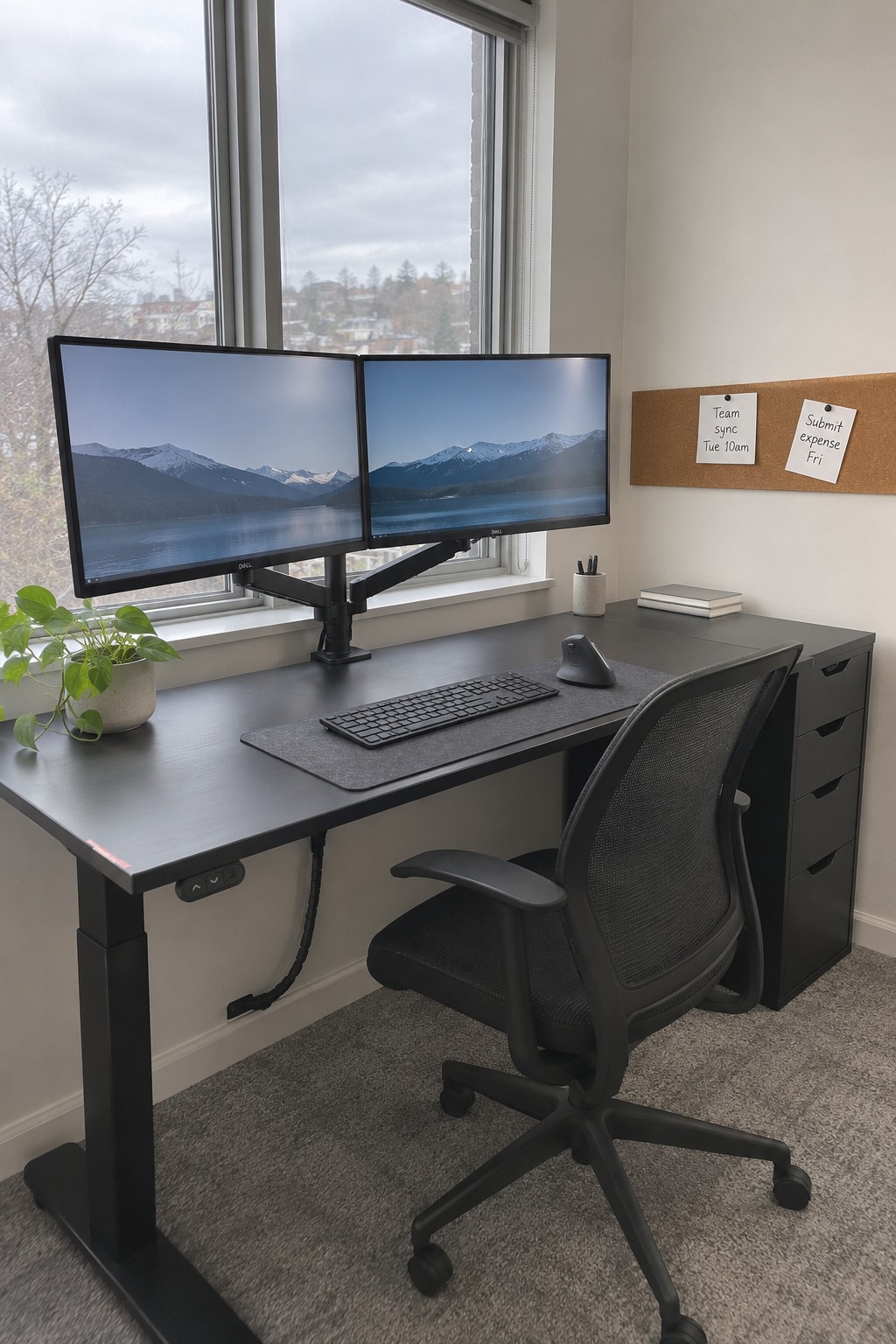
A monitor arm lifts both screens off the desk, leaving more room for a keyboard and mouse. It also makes it easier to adjust the screens to a comfortable height.
This setup works well on a compact desk or in a home office where the surface needs to stay clear. Check that the arm can support both monitors and clamp securely to the desk.
Give Two Monitors Their Own Raised Space
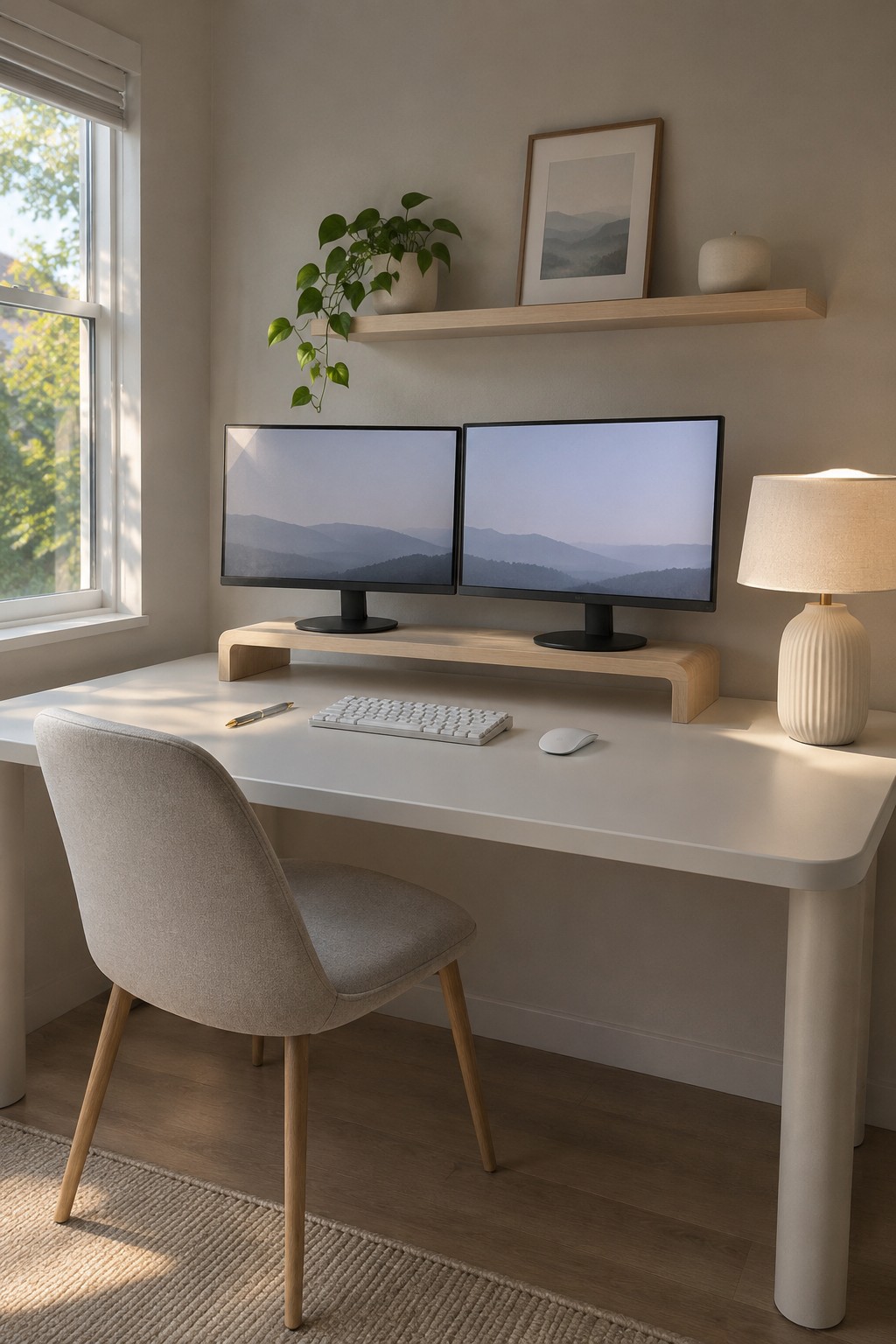
A low monitor riser helps make a two-screen desk feel more organized without adding much visual bulk. It lifts both screens to a shared height and leaves a little room beneath them for small items or a keyboard when the desk is not in use.
Choose a riser that is wide enough for both monitor stands and sturdy enough to hold them securely. A simple wood finish works well in a calm, minimal workspace, but keep the rest of the desk fairly clear so the raised platform does not crowd the work area.
Use a Long Desk for Two Monitors

A long desk gives two monitors room to sit side by side without crowding the keyboard or mouse. It also leaves a little extra space for everyday work items, so the setup can stay practical without needing much decoration.
This layout works well in a home office where one person uses both screens. Choose a desk that is deep enough to keep the monitors at a comfortable viewing distance, and leave some open surface around the keyboard for easier use.
Use an L-Shaped Desk to Separate Two Screens
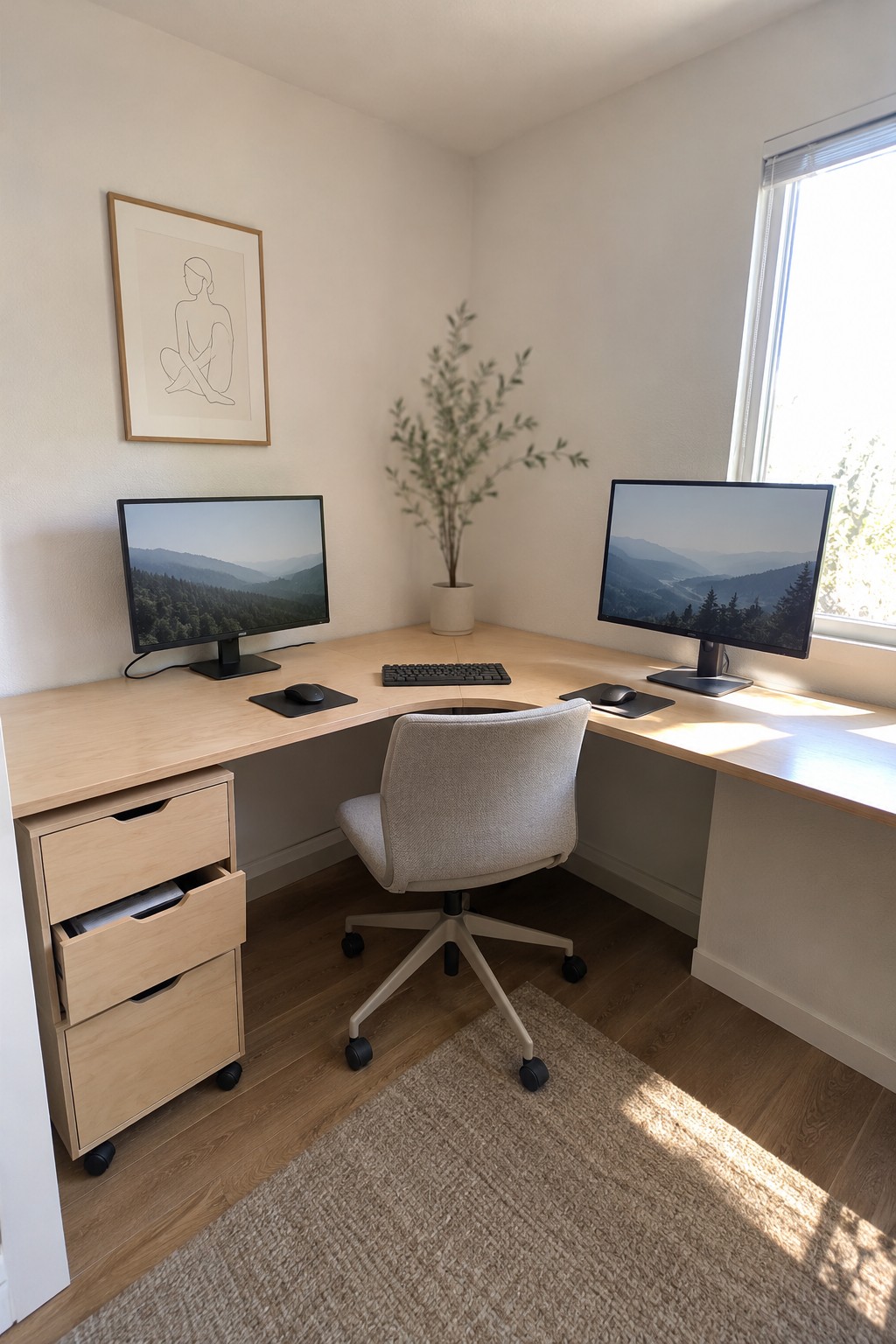
An L-shaped desk gives each monitor its own stretch of work surface, which can make a two-screen setup feel less crowded. The corner also keeps the keyboard and chair close to both screens, so you can switch between tasks without reaching across the desk.
This layout is useful in a home office where two walls meet, especially if you want room for a small drawer unit without giving up desk space. Keep the screens angled toward the chair and leave the corner area open for your main work zone.
Use a Desk Shelf to Make Room for Two Monitors
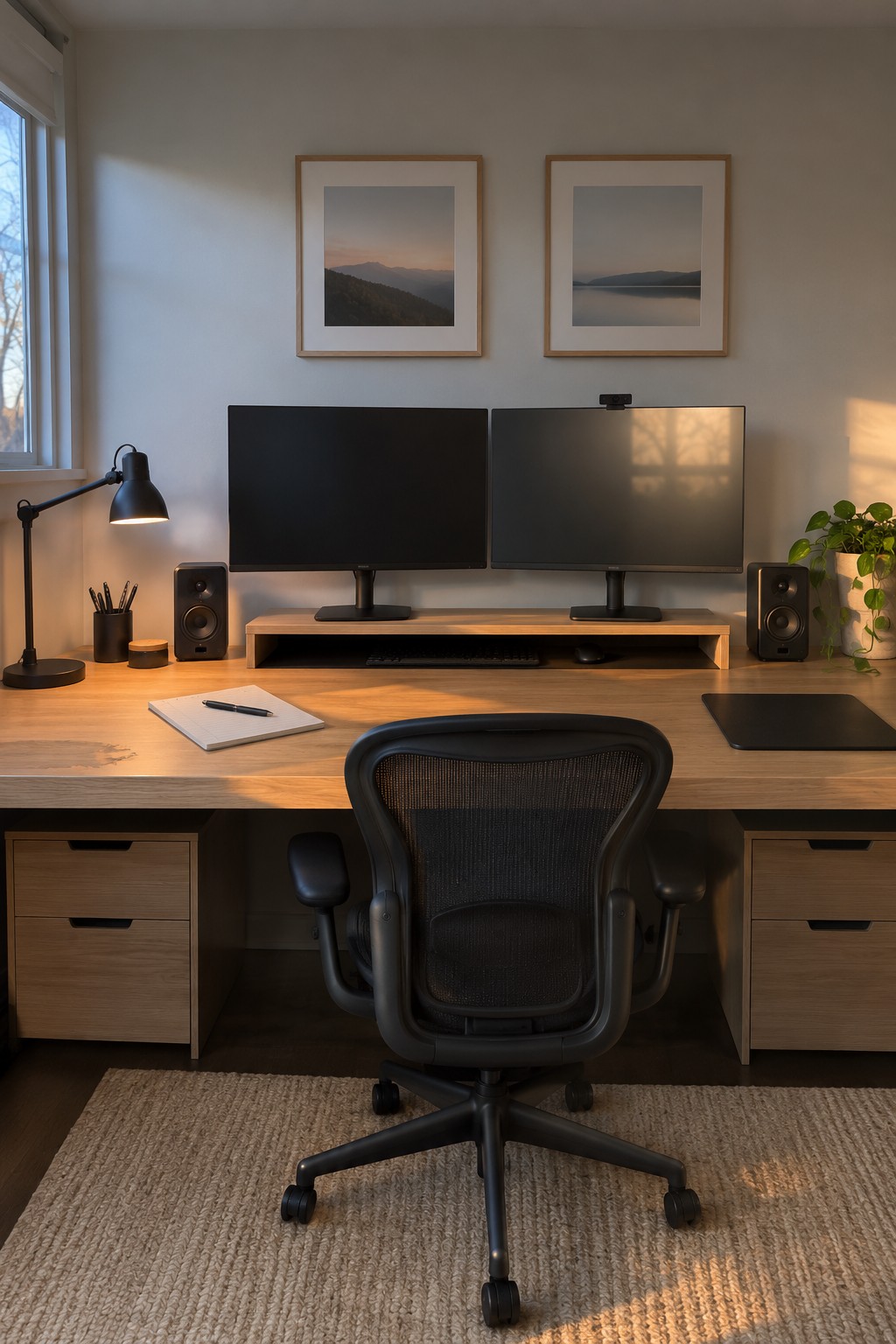
A raised shelf gives two monitors a clear place while leaving useful space underneath for a keyboard. It’s a simple way to keep the main work surface open, especially when the desk also needs to hold everyday supplies.
Choose a shelf long enough for both screens, and make sure it can support their weight. A setup like this works well on a broad desk; leave enough depth in front for comfortable typing.
Mount a Floating Desk to Keep the Floor Open
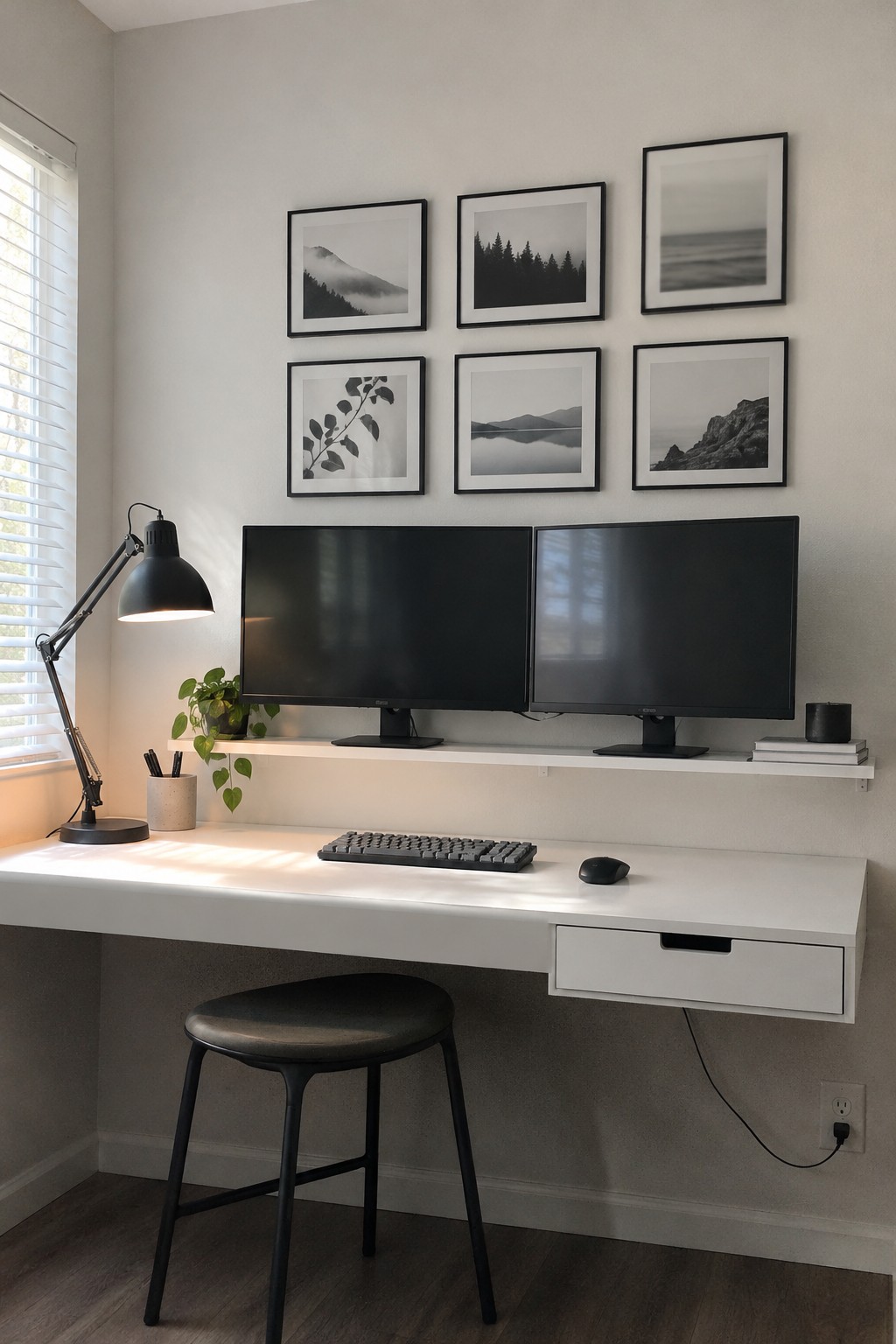
A wall-mounted desk can make a two-monitor setup feel less crowded by leaving the floor open and keeping the work area simple. Here, a slim shelf holds the monitors above the desktop, so there is still room for a keyboard and mouse.
This layout suits a small office or a spare-room nook. Choose a desk wide enough for both screens, and check that the wall and brackets can support the shelf before mounting it.
Use a Desk With Built-In Storage

A desk with storage along one side can keep a two-monitor setup tidy without taking up the whole room. The open shelf and closed cabinet here give small items a place to go, while leaving the main work surface clear.
This approach works well in a home office where floor space is limited. Keep everyday supplies close by, and avoid filling every shelf so the desk stays easy to use.
Use a Raised Shelf for Two Monitors

A raised shelf gives two monitors a clear place of their own and leaves the main desk surface open for everyday work. It also helps organize a compact setup without needing a larger desk.
Choose a shelf long enough to support both screens securely, and leave room underneath for the keyboard or other supplies. A simple wood shelf works well when you want the desk area to feel practical but not crowded.
Choose a Black Monitor Shelf for a Streamlined Setup
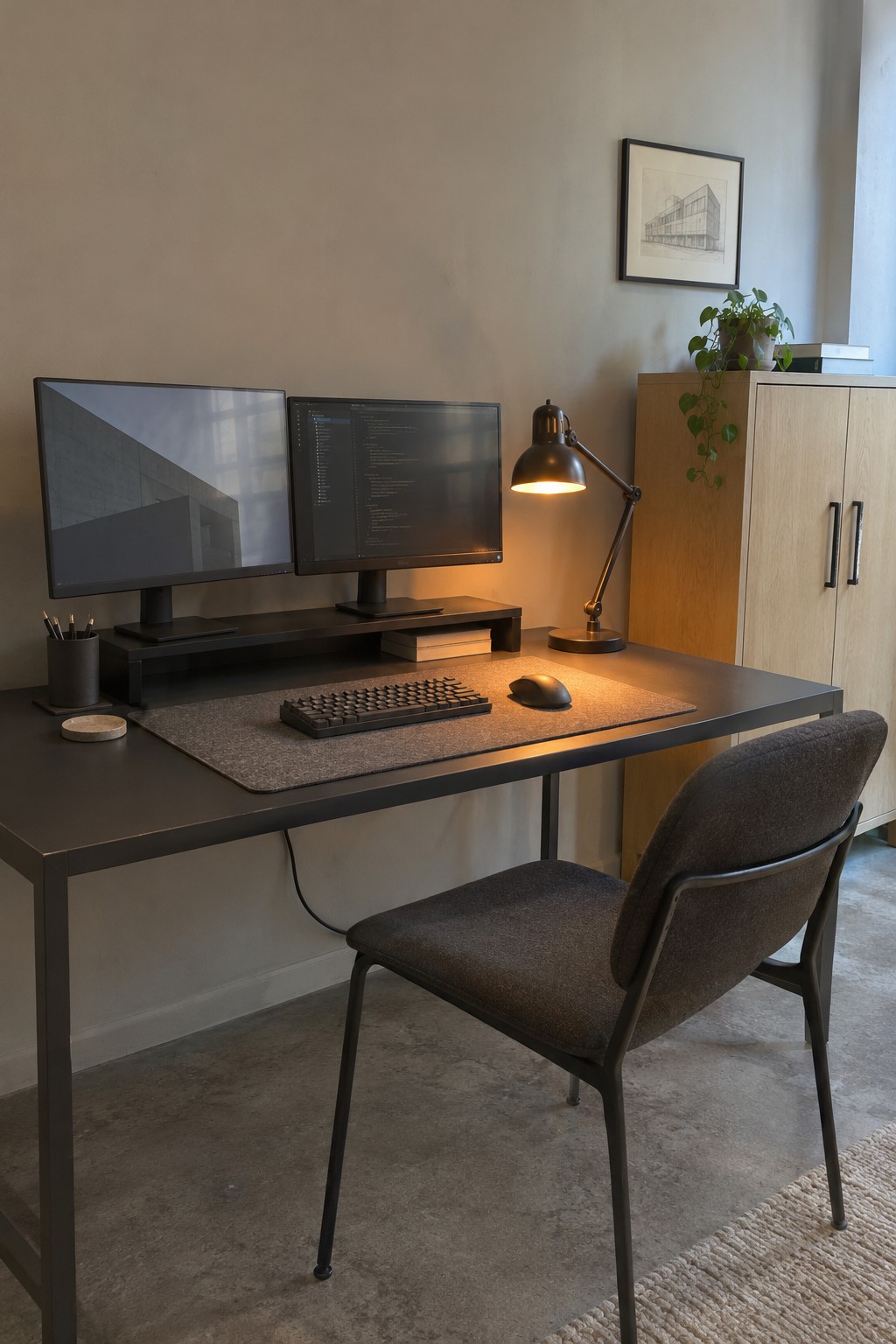
A simple desk shelf lifts both monitors to a comfortable viewing height and leaves a little extra room beneath them. It also helps keep the main work surface open, which matters when two screens already take up plenty of space.
Choose a shelf long enough for both monitor stands, and check that it can support their weight. This setup works well on a straightforward desk where you want more usable space without adding bulky storage.
Use Matching Monitor Risers
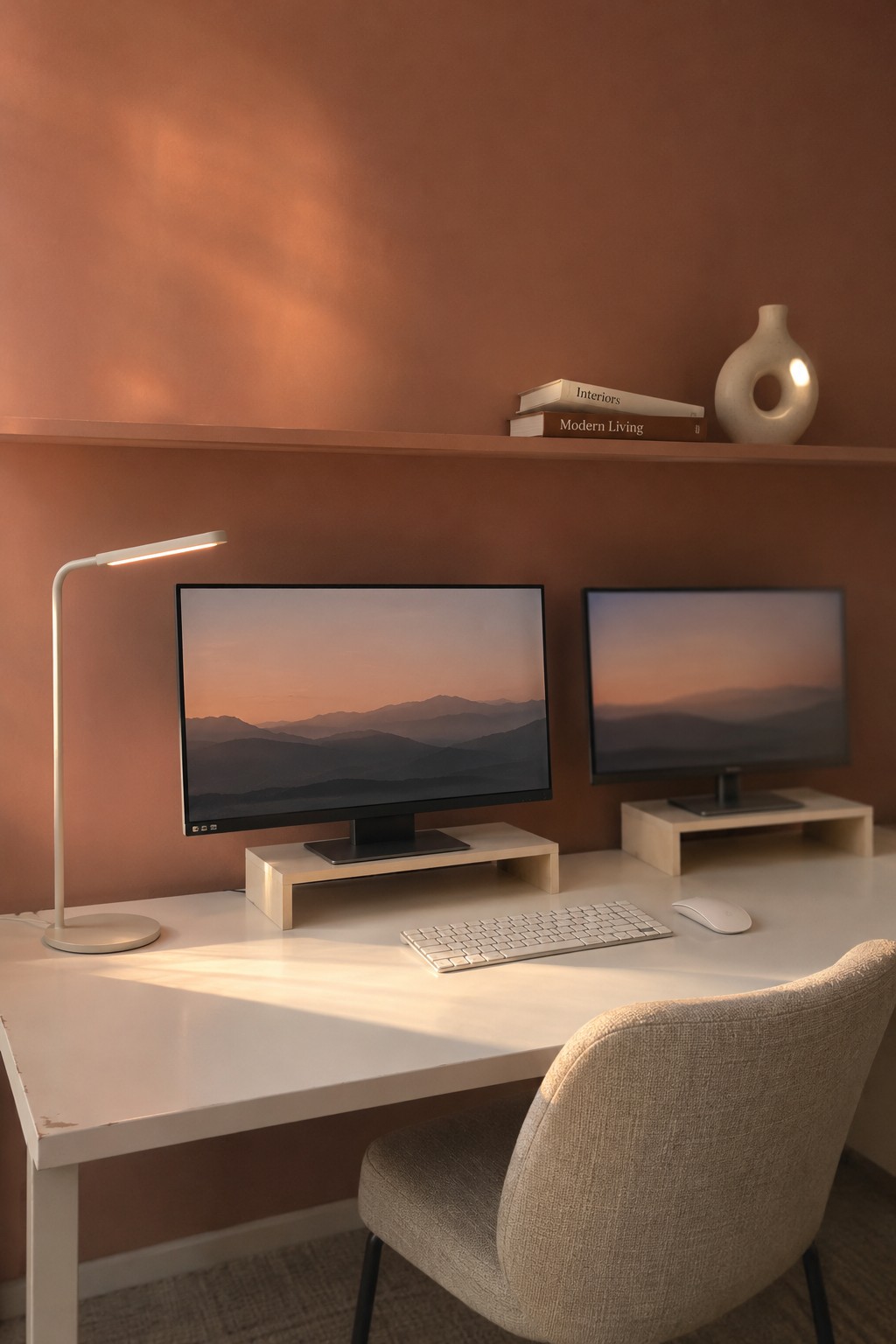
Raising each monitor on a simple stand can make a two-screen desk easier to organize. The space beneath the screens stays open, and the displays sit at a more comfortable viewing height.
Choose risers that fit the width of your monitors and leave enough room for the keyboard in front. Keeping both screens at a similar height helps the setup feel tidy without adding much to the desk.
Mount Two Monitors Above a Standing Desk
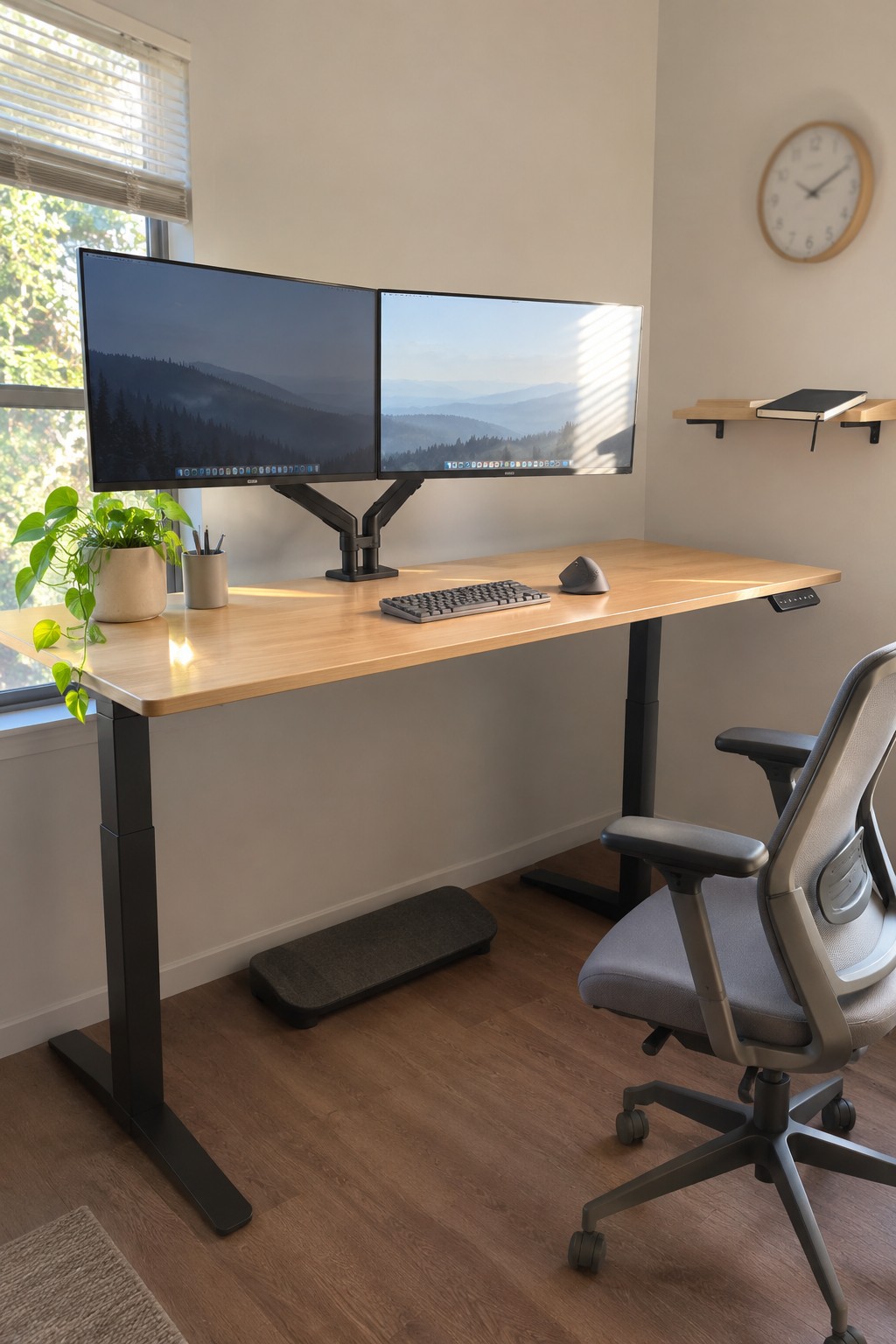
A monitor arm lets two screens sit at a comfortable height while leaving more of the desktop open for everyday work. This setup uses a single central support, which keeps the area below the monitors clear for a keyboard and mouse.
It works well on a home office desk where surface space is limited. Check that the arm can support both monitors and clamp securely to the desk before choosing one.
Organize a Small Bedroom Desk With a Monitor Shelf

A raised shelf gives two monitors their own level, leaving the main desk surface open for a keyboard and mouse. It’s a simple way to make a dual-screen setup feel less crowded without needing a larger desk.
Choose a shelf wide enough for both screens and sturdy enough to hold them securely. This approach works well in a bedroom office or other small work area, but leave enough room underneath for the monitor stands and any cables.
Use a Window Desk for Two Monitors

Placing a desk beneath a wide window gives a two-monitor setup a clear, practical home without adding extra furniture. The long surface keeps both screens side by side, while the view beyond the desk makes the work area feel less closed in.
This layout suits a small office or spare room where wall space is limited. Keep the monitors low enough that they do not block too much of the window, and check for glare before settling on their position.
Place Compact Speakers at the Ends of a Long Desk
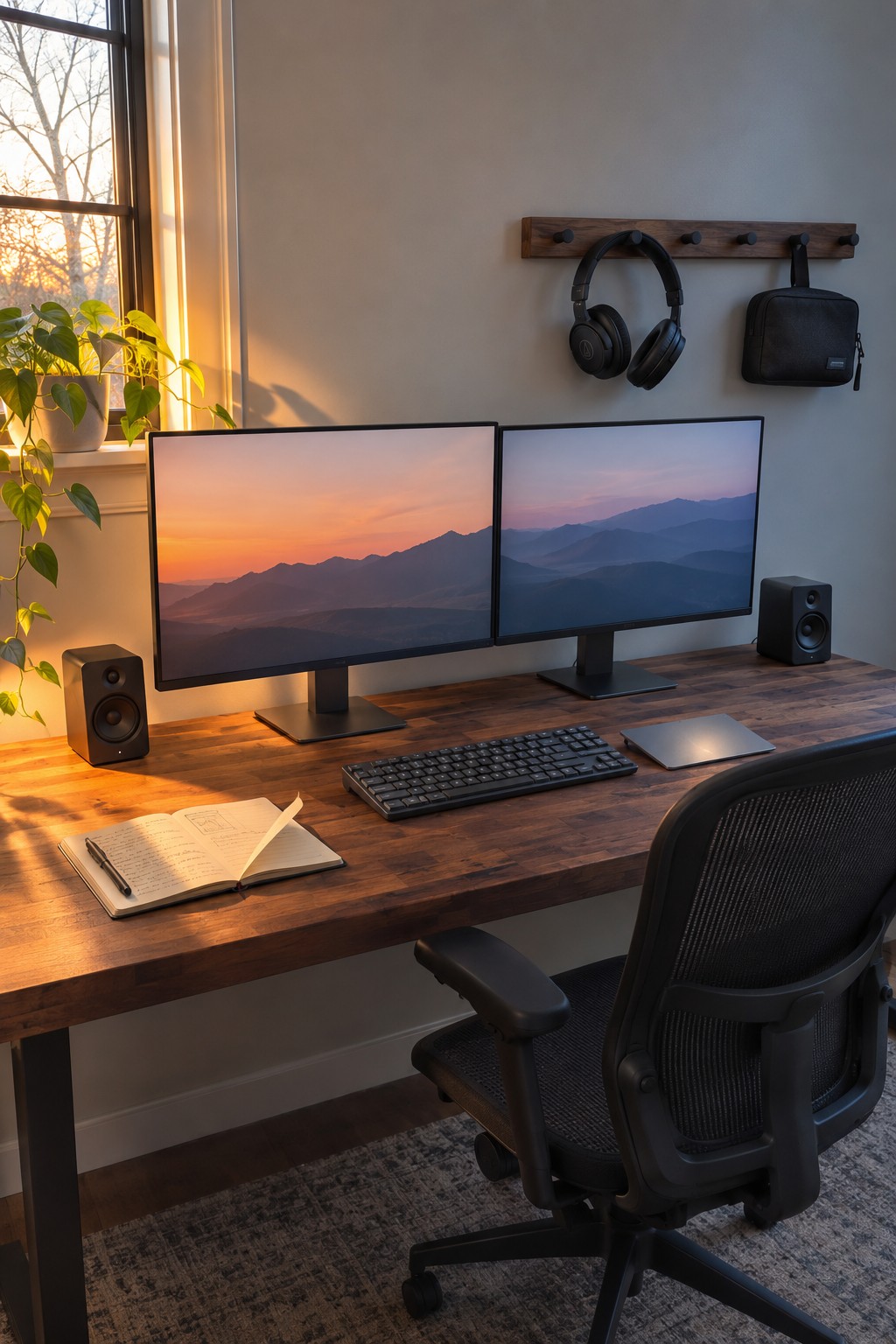
A long desk lets two monitors sit side by side without crowding the keyboard or leaving little space for everyday tasks. It’s a straightforward setup that works well when both screens are used regularly.
Choose a desk wide enough for the monitors and a clear work area in front. Keeping the rest of the setup simple, as with a compact keyboard and speakers at the edges, helps the surface stay usable.
Make a Low Desk Work for Two Monitors

A low, simple desk can still hold two monitors if the screens sit on separate risers. This keeps them at a comfortable viewing height and leaves a little room beneath each stand for small items.
This setup suits a compact work nook or a room where you want the desk to stay visually quiet. Keep the risers close to the back edge so the keyboard and mouse have enough space in front.
Choose a Slim Raised Shelf for a Compact Dual-Monitor Desk

A raised shelf gives two monitors a clear place of their own and leaves the main desk surface open for a keyboard and mouse. It also helps keep the screens at a more comfortable height without adding bulky stands.
Choose a shelf that is long enough for both monitors and sturdy enough to support them. This works especially well on a compact desk, but leave enough room underneath for the monitor bases and avoid making the shelf so deep that it crowds your work area.
Use Warm Wood to Make a Desk Setup Feel Less Stark

A dark wood desk gives a two-monitor setup a softer, more settled look than a plain black or white surface. It also makes the work area feel like part of the room rather than a separate office station.
This approach suits a home office where you want a simple setup that still feels comfortable. Keep the screens and accessories fairly minimal, and leave enough desk depth for the keyboard and mouse without crowding the monitors.
Frequently Asked Questions
Q: How much desk space do two monitors really need?
A: A desk around 48 inches wide can work if you use monitor arms and keep the rest of your setup compact. If you also need room for notebooks or a laptop, a wider desk will feel much less cramped.
Q: Is a monitor arm worth it for a minimalist setup?
A: Yes, especially if you want more open space beneath your screens. Check that the arm can support both monitors and clamp securely to your desk before buying.
Q: How can I stop two monitors from making my desk feel cluttered?
A: Keep the screens close together and at the same height, then route their cables behind the desk. A small tray for everyday items helps keep the desktop clear without hiding things you use often.
Q: Should I use two matching monitors?
A: Matching monitors make it easier to line up the screens and give the setup a calmer look. If you already have two different monitors, adjust their height and brightness so they feel more comfortable side by side.
